

Channel management for vacation rentals is the process of keeping rates, availability, and reservations synchronized across every site where you list a property, including OTAs and your own direct booking website. It matters because one missed update creates a double booking, and relying on a single marketplace means paying 15 to 20 percent commission on every stay.
Key Takeaways
- Channel management sends availability, rates, restrictions, and listing content to every booking channel, then pulls reservations back into one system.
- Two-way API connections update calendars almost immediately, while iCal feeds refresh on a schedule set by each receiving platform, which is where most double bookings start.
- A channel manager, a PMS, and a booking engine each own a different job, and many products bundle two or all three.
- Hosts listed on a single platform can usually skip a channel manager; hosts selling across several channels or managing multiple units usually cannot.
- Pricing models vary between per-listing fees, booking percentages, and PMS bundles, so compare total monthly cost at your listing count rather than the headline price.
- Boostly Connect syncs your existing PMS to a WordPress direct booking website with live availability and real-time pricing, supports 8 PMS integrations, and captures every direct guest into your own CRM, so your direct channel stays accurate without manual updates.
If you list a property on multiple booking platforms and still update calendars by hand, you are one distracted afternoon away from two guests holding confirmations for the same weekend. Add a direct booking website and the number of calendars you must keep identical grows again. In 2026, many hosts sell across several channels, which turns synchronization into a daily operational risk.
At Boostly Connect, we work with more than 2,000 hosts across 25 countries, and the pattern repeats: the OTA calendars get the attention, while the direct channel lags or never launches. Often it simply breaks. Our founder, Mark Simpson, recovered over $30,000 a year in platform fees by fixing that imbalance in his own business.
This guide defines channel management, shows how the sync works, compares API and iCal connections, and gives you decision criteria, a feature checklist, cost models, and a testing routine. It works whether you run one cabin or a growing portfolio.
What Is Channel Management for Vacation Rentals and Why Does It Matter?
Channel management is the ongoing work of sending your property’s availability, nightly rates, listing content, and booking rules to every sales channel, then pulling reservations back into one system. It matters because each channel keeps its own calendar, and every gap between those calendars costs you a double booking or an empty night. It can also cost you a commission you could have avoided.
What counts as a channel?
A channel is any place a guest can book you. That includes online travel agencies (OTAs) such as the large booking marketplaces, metasearch surfaces like Google Vacation Rentals, and your own direct booking website. Each one needs the same truth about what is open and what it costs, delivered in its own format. The rules that apply must match too.
Why does it matter more in 2026?
Depending on one marketplace exposes you to platform outages and algorithm changes, any of which can change your bookings overnight. Policy updates can do the same. Commission is the quieter cost. Our breakdown of what OTA commission costs you per year shows how fast it compounds across a full calendar.
That exposure is why we built Boostly Connect: it gives you a direct channel you own, fed by the PMS you already use, so every night you move off an OTA stops paying commission.
How Does a Vacation Rental Channel Manager Work?
A vacation rental channel manager is software that connects to each booking channel, usually through an API, and moves four kinds of data: calendar availability, rates, restrictions, and reservations. When a guest books anywhere, the manager blocks those dates on every other channel and sends the reservation to your PMS.
What happens when a guest books?
Say a guest books a long weekend on one marketplace. The channel manager receives the reservation, closes those dates on the other marketplaces and on your own website, and passes the guest name, dates, total, and special requests into your PMS. Your PMS then triggers messaging and cleaning tasks from that single record. Payouts follow from it too.
Some vendor guides claim dates block within seconds of confirmation. Treat that as a vendor claim, not a guarantee. Test it on your own listings using the checklist below.
What does mapping mean?
Mapping is the setup step where you tell the manager which listing on each channel corresponds to which property in your system, along with matching rate plans and booking rules. A wrong mapping is the quietest way to create a double booking, because the sync reports success while updating the wrong calendar.
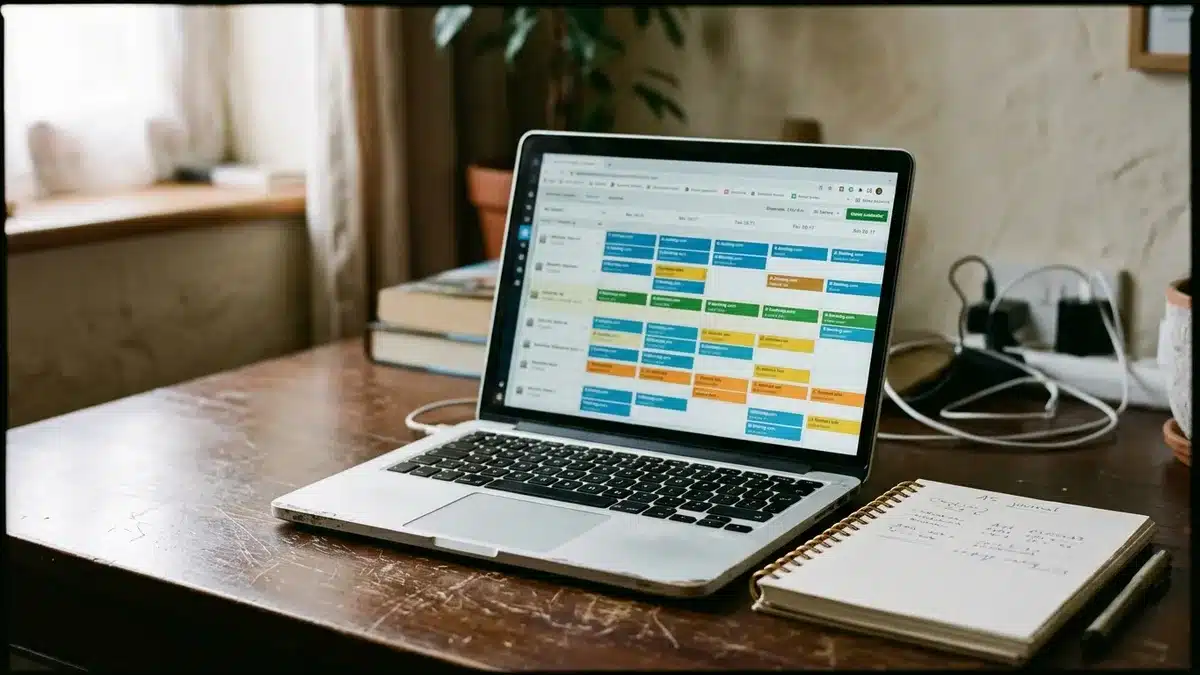
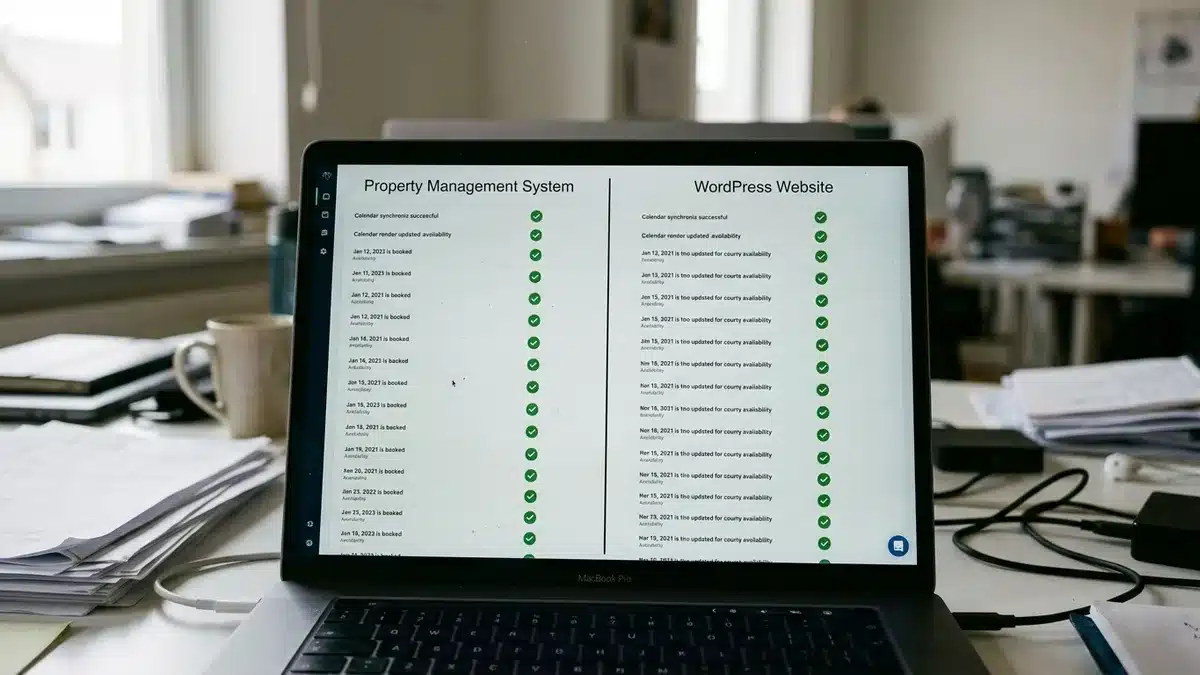
Boostly Connect handles the direct end of this chain. Your PMS stays the source of truth, and your WordPress site reads live availability and real-time pricing from it, so a booking made on any channel shows up on your site without anyone touching a calendar.
How Does Channel Management Prevent Double Bookings?
Channel management prevents double bookings by closing the same dates on every connected channel the moment one channel confirms a reservation. The speed depends on the connection type: a two-way API pushes changes almost immediately, while iCal feeds refresh on the importing platform’s own schedule, leaving a window where two guests can book the same night.
API vs iCal: what is the practical difference?
Most pages simply assert real-time syncing. In practice the connection type decides how much risk you carry, and the table below shows where the two approaches diverge.
| Factor | Two-way API connection | iCal calendar feed |
|---|---|---|
| What syncs | Availability, rates, restrictions, reservation details | Blocked dates only, typically without rates or guest details |
| Update speed | Near real time | Scheduled refresh set by the receiving platform |
| Double booking risk | Low | Higher during busy booking periods |
| Rate and restriction control | Yes, per channel | No, managed by hand on each platform |
| Setup | Authorized integration with listing mapping | Paste a calendar URL into each platform |
For a single low-volume property, an iCal feed can be perfectly adequate, and we will say so plainly. Once you take frequent bookings across several channels, the refresh gap becomes the most expensive line in your operation.
How can you verify which connection you actually have?
- Open each channel’s integration settings and check whether the connection is listed as an authorized software partner or as a pasted calendar link.
- If setup asked you to copy a URL from one platform into another, you are running iCal.
- Confirm that rates and minimum-stay rules appear in the sync settings; iCal cannot carry them.
- Create a short test block on a distant, low-demand date and time how long it takes to appear on every channel.
- Read the sync log timestamps for your last few reservations and compare them with the booking times.
In our setup, your direct website pulls live availability from your PMS rather than from a calendar link you have to remember to refresh. That removes one of the feeds that typically fails without warning.

Why Is Channel Management Important for Your Revenue and Margin?
Channel management is important because it lets you sell the same inventory in more places without multiplying admin work or risk. It cuts manual updates and keeps prices consistent across channels. It also protects you from a single platform’s outage and gives you a practical route to shift bookings toward lower-cost channels.
What do you gain operationally?
The gains are mostly invisible until they disappear: fewer repeated logins, fewer price discrepancies between listings, and accurate real-time data that improves guest trust and booking conversion. A centralized view also shows which channels produce reservations, so you can adjust pricing by channel instead of guessing.
What do you gain financially?
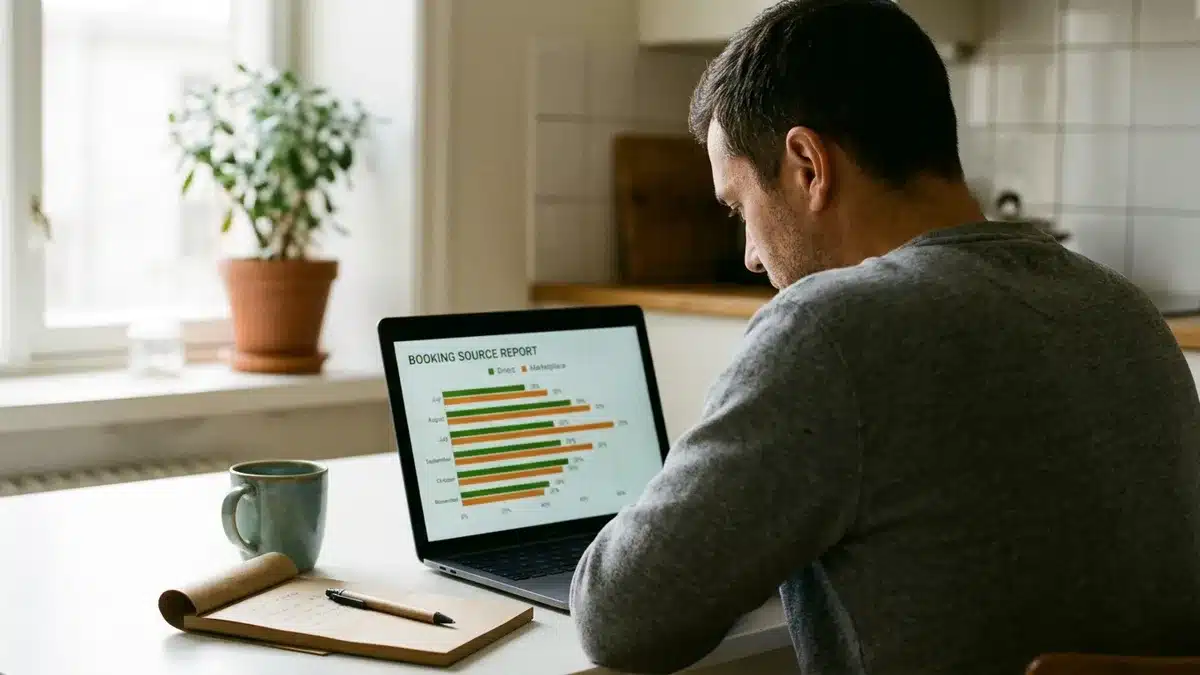
Channel mix is a margin decision. Every reservation that arrives through your own site avoids marketplace commission and leaves the guest’s contact details with you. Repeat business is the clearest lever: Hostex reports that many vacation rentals see repeat booking rates between 10% and 25%, and each of those returning guests costs you nothing to acquire if they book direct. Our guide to re-engaging past vacation rental guests covers the follow-up side.
The results we see are specific. One operator reached 55% direct bookings across a 30+ property portfolio, and a serviced accommodation host reached 40% direct bookings, including a single £6,000 reservation. Neither dropped OTAs. You can keep both running; our walkthrough on balancing OTA and direct bookings in 2026 explains how.
Is a Channel Manager the Same as a PMS, Booking Engine, or Channel Marketing?
A channel manager, a property management system (PMS), and a booking engine are three different tools: the channel manager distributes inventory, the PMS holds reservations, guests, and operations, and the booking engine takes payment on your own website. Many products bundle two or all three, which is why the terms get mixed up.
| Tool | Owns this job | Question it answers |
|---|---|---|
| Channel manager | Distributing availability, rates, restrictions, and content to channels; pulling reservations back | Is every channel showing the same truth? |
| PMS | Reservations, guest records, tasks, messaging, payouts | What is booked, and what happens next? |
| Booking engine | Checkout, payment, and confirmation on your own site | Can a guest book me directly? |
| Channel marketing | Driving demand to a channel through SEO, email, social, and offers | Why would a guest choose this channel? |
The distinction matters because buying the wrong layer leaves a gap. Most hosts already own a PMS; what they lack is a direct channel that is fed by it and marketed properly.
That gap is why we built Boostly Connect as a layer on top of your existing PMS instead of another PMS. It supports 8 PMS integrations, including Hospitable and Lodgify, and you can plug yours in within five minutes.
Do You Need a Channel Manager for Your Rental?
You need a channel manager when you list the same property on two or more channels, or manage several units, and the time spent on calendar updates or the cost of a double booking exceeds the software’s monthly price. If you list on one platform only, a channel manager adds cost without solving a problem.
Single property or portfolio?
| Situation | Channel manager? |
|---|---|
| One property, one OTA, no direct site | Not needed |
| One property, one OTA plus a direct website | Worth considering, since two calendars must match |
| One property, two or more OTAs | Usually yes, especially if iCal delays worry you |
| Several properties across several channels | Yes; manual updates break down quickly |
Four questions to settle it
- How many channels carry your calendar today?
- How many reservations do you take each month?
- How many hours a week do you spend on manual updates?
- What does one double booking cost you in refunds, relocation, and review damage?
If the answers are low, save the subscription. If they are not, our guide on managing multiple vacation rentals without chaos covers the operating side. Boostly Connect supports multi-property setups from one connected system, with a free plan for up to 3 listings on the Discover map, so the direct channel grows with your portfolio.
What Features Should a Vacation Rental Channel Manager Include?
A vacation rental channel manager should include two-way API connections, rate and restriction syncing, reservation pull-back with modification and cancellation handling, listing mapping, and a central dashboard for booking-source reporting. Anything less leaves gaps that you fill by hand, which defeats the purpose of buying one.
- Two-way API connections: confirm each channel connection is authorized, not a pasted feed.
- Rate management: channel-specific pricing, so a seasonal adjustment reaches every listing together.
- Restriction control: minimum stays, closed-to-arrival days, and advance-notice rules.
- Reservation handling: guest details, modifications, and cancellations flowing back to the PMS.
- Unified calendar and reporting: one view of availability and revenue by booking source.
- Direct channel support: a way to publish live availability and pricing on your own website.
The last item is the one most buyers skip. Boostly Connect covers it with a done-for-you WordPress site that includes discount codes, gift vouchers, and direct-only offers, plus a reporting dashboard that tracks direct booking revenue and ROI in one place instead of across a PMS, a spreadsheet, and a bank statement.
What Is the Best Channel Manager for Vacation Rentals?
The best channel manager for vacation rentals is the one that offers a two-way API connection to every channel you sell on, works with your existing PMS, and fits your portfolio size and budget. No single product wins for every operator, so match the tool to your channel mix rather than to a ranked list.
Treat roundup articles with caution; many are written by vendors who place themselves first. Judge any option on four points: connection type, PMS compatibility, support for rates and restrictions, and whether it helps you build a direct channel or only feeds marketplaces.
Where does Boostly Connect fit?
Most hosts have marketplace distribution covered. The direct channel is the weak spot: a website that does not reflect live availability, held together by plugins that break and sync errors you chase manually. Boostly Connect is built for that gap, and our direct booking website guide explains what to look for.
- Connects your PMS to a WordPress site in under 20 minutes, with no developer and no coding.
- Integrates with Google Vacation Rentals and metasearch channels for added discovery.
- Captures every direct guest into your own CRM, with email and SMS automation and AI agents.
- Includes twice-weekly group coaching, and a 65% direct bookings guarantee within 12 months, or we work for free until you reach it.
To be fair, if you only need marketplace distribution and have no plan for a direct channel, a standalone channel manager may be enough. If you want to own the guest relationship, you need both.
How Much Do Channel Managers Cost?
Channel manager cost depends on the pricing model: some providers charge a monthly fee per listing, some take a percentage of each booking, and some bundle channel management into a PMS subscription. Exact figures change often, so check each provider’s current pricing page and compare total monthly cost at your listing count.
| Pricing model | How it works | Watch for |
|---|---|---|
| Per-listing subscription | Fixed monthly fee for each connected property | Costs that climb as you add units |
| Percentage of booking | A share of each reservation’s value | A fee that grows with your revenue |
| Bundled into a PMS | Channel connections included in the PMS plan | Limits on which channels or connection types are included |
| Add-on or setup fees | Charges for extra channels, onboarding, or migration | Costs that do not appear on the pricing page |
Add the hidden line too: the hours you currently spend on manual updates and the expected cost of a double booking. A tool that costs less per month but leaves you on iCal feeds may cost more overall.
With Boostly Connect there is a free plan for up to 3 listings on the Discover map, so you can see your own PMS data driving a live direct booking site before you commit to anything larger.
How Do You Set Up and Test Channel Management Without Breaking Your Calendar?
Setting up channel management means connecting each channel, mapping every listing and rate plan, importing existing reservations, and testing cancellations, modifications, and calendar blocks before you trust the sync. Test on a quiet date range first, because a mapping error on a live peak weekend is how double bookings happen.
- List every channel that carries your calendar and note whether each connection is an API or an iCal feed.
- Choose your PMS as the single source of truth for availability, rates, and reservations.
- Map each channel listing to its matching property, one to one, and re-check the pairs before going live.
- Map rate plans and restrictions, including minimum stays, cleaning fees, and taxes.
- Import existing reservations before turning on sync so nothing already booked appears open.
- Create a test block on a distant date and time how long it takes to appear on every channel.
- Test a modification and a cancellation, and confirm the freed dates reopen everywhere.
- Review sync logs weekly for the first month, then audit monthly.
Our own setup follows the same logic: connect your PMS, review your synced listings, and your direct booking site is live. That is the whole sequence, and it takes under 20 minutes.
What Should You Do Next About Channel Management?
So, what is channel management for vacation rentals and why does it matter? It is the discipline of keeping every calendar and rate identical across every place you sell, along with your reservations. It matters because mismatches cost bookings while single-channel dependence costs margin. Check your connection types this week, and add the channel most hosts neglect: your own.
As of 2026, hosts who own their guest data and their direct channel have more control over pricing and repeat business than those relying on marketplaces alone. They also carry less risk. That gap will widen as platforms keep changing their rules.

Curious what 65 percent direct bookings within 12 months looks like for a business your size? Book a demo with Boostly Connect and watch your own PMS data populate a live direct booking site in under 20 minutes. There is a free plan for up to 3 listings on the Discover map. No developer or code is involved. Our channel management keeps your direct calendar and pricing in step with your PMS, so you can start moving repeat guests off the OTAs.
Frequently Asked Questions
Is there software that can streamline booking management for my short-term rentals?
Yes. A PMS centralizes reservations, guests, and tasks, a channel manager syncs calendars and rates across channels, and a booking engine handles direct checkout. Many products bundle these. Boostly Connect connects your existing PMS to a direct booking website and CRM so all three operate automatically.
Can you suggest a website builder for vacation rentals that supports dynamic pricing integration?
Look for a builder that reads live rates from your PMS instead of requiring manual updates. Boostly Connect builds a WordPress direct booking website that syncs live availability and real-time pricing from your PMS. That means any pricing changes you make upstream appear on your site without extra work.
What tools are available for managing seasonal pricing adjustments across channels?
Seasonal adjustments are handled through your PMS or a pricing tool, or through your channel manager, which then pushes the new rates to each channel. Off-peak and mid-week bookings can drop 15-20% below peak rates, according to ATLAS by AvantStay (June 2026). Make sure your direct website pulls those same rates automatically.
Do I need a channel manager if I only list on one platform?
Usually not. With one calendar, there is nothing to synchronize, so a channel manager adds cost without removing risk. The calculation changes once you add a second marketplace or a direct booking website, because every extra calendar must match the others.
Will adding a direct booking channel hurt my marketplace ranking?
You do not have to choose between marketplaces and direct bookings. Most hosts run both at once and simply redirect repeat guests to their own site. Keep your OTA listings active and treat the direct channel as an addition that captures the guests you would otherwise pay commission on again.
How long does it take to connect a PMS to a direct booking website?
With Boostly Connect, you can plug in a PMS in under five minutes and have your synced direct booking website live in under 20 minutes. No developer or coding knowledge is needed. It supports 8 PMS integrations, so most hosts can connect the system they already use.
Can one system handle multiple properties?
Yes. Multi-property operators need pricing and availability unified across every listing rather than managed per unit. Guest data needs the same treatment. Boostly Connect supports multi-property and multi-listing management from one connected system. All properties sync to the same PMS and CRM, and to the same website infrastructure.