

A channel manager prevents double bookings across multiple booking platforms by connecting to each of them through their APIs and treating one shared calendar as the source of truth. When a reservation lands on any site, the channel manager blocks those dates on the others, usually within a minute or two, so the same night cannot sell twice.
Key Takeaways
- A channel manager keeps one master calendar and pushes every booking, cancellation, and block to each connected platform through two-way API connections.
- Double bookings usually come from sync delay, not from the platforms being careless; manual updates and iCal links leave a gap between a sale and the block.
- Industry research typically puts iCal refreshes at 15 to 30 minutes, while API-based channel managers update in under a minute and an integrated PMS can be faster still.
- Sync is not a guarantee. Outages, wrong listing IDs, and unsupported features can still leave brief exposure, so you need a verification routine and a response plan.
- You can list the same property on multiple major booking platforms as long as one system controls the calendar.
- Boostly Connect links your existing PMS to a direct booking website with live availability, so your own site sells from the same calendar as your OTA channels.
If you run a property on more than one platform, the nightmare scenario is simple: a guest books on one platform at 2:10 pm, another books the same dates on a second platform at 2:25 pm, and you spend the evening apologizing. Cancelling on a guest costs money and ranking, so the fix has to happen before the second booking, not after.
At Boostly Connect, we work with hosts and property managers across 25 countries, and the same pattern repeats. Hosts add channels to grow reach, then discover their calendar tooling cannot keep up. Below we walk through how channel management works in 2026, where it still fails, and what to check so it keeps working. For the platforms’ own documentation, see the help centers of each booking platform you use; the iCal format itself is defined in RFC 5545.
1. What Is a Vacation Rental Channel Manager?
A vacation rental channel manager is software that connects your property calendar to booking platforms and keeps availability, reservations, and often rates consistent across all of them. It replaces the habit of logging into each site to block dates by hand.
In practice, the channel manager holds one master calendar. Each platform becomes a channel feeding bookings into that calendar and receiving availability back out of it. Some tools are standalone; many are built into a property management system (PMS) such as Hospitable or Lodgify.
You do not need a separate product for every task. For many operators, the PMS and channel manager are the same login. What matters is that the connection is two-way and runs through the platforms’ own integrations rather than through a copied calendar link.
2. What Causes Double Bookings Across Multiple Platforms?
Double bookings across multiple platforms happen when two guests reserve overlapping dates before the platforms have been told about each other’s booking. The cause is almost always a time gap between a sale and the block reaching the other channel.
Four culprits show up repeatedly in our conversations with hosts:
- Manual calendar updates. You forget, you are driving, or you block dates on one site and not the other.
- iCal refresh lag. Calendar links are polled on a schedule, so a booking can sit unseen for a while.
- Misconfigured connections. A channel attached to the wrong listing, or a one-way link that only exports.
- Direct and offline bookings. A phone reservation or a website booking that never reaches the shared calendar.
Notice that none of these is a platform bug. They are plumbing problems, which is why the plumbing is where the fix lives.

3. How Does a Channel Manager Prevent Double Bookings Across Platforms in Practice?
A channel manager prevents double bookings by receiving each new reservation from one platform and immediately pushing a block for those dates to every other connected platform. The sequence is automatic, and it covers cancellations and modifications as well as new bookings.
Here is the typical flow, step by step:
- A guest books three nights on the first platform.
- That platform notifies the channel manager of the reservation through its API connection.
- The channel manager records the booking on the master calendar.
- It sends an availability update to the second platform, closing those three nights.
- If the guest later cancels, the process reverses and the nights reopen.
Rates, minimum stays, and booking rules can travel the same route, depending on the integration. The shared calendar model removes the need for you to remember anything. In our experience, hosts who move from manual blocking to a real two-way connection stop thinking about this problem, which is the whole point.
4. How Do You Sync a Listing Calendar With Your Booking Calendar Using iCal?
iCal syncing works by exporting a calendar link from one platform and importing it into another, which then checks that link periodically for changes. It is free and simple, but it is a polling system, not a live push, so updates arrive late.
The basic setup runs like this. Export the calendar link from your listing, paste it into the other platform or your calendar tool as an imported calendar, then do the reverse so each side reads the other. Name each import clearly, for example “Second platform sync for Beach House”, so you can find it later.
The catch is timing. Industry guidance commonly describes iCal imports as refreshing roughly every 15 to 30 minutes, and one provider reports iCal updates on some platforms typically take around 30 minutes. Another bad habit is treating iCal as two-way. Each link moves availability in one direction only, so you must set up both links correctly.
For a single listing with low booking volume, iCal can be acceptable. Once you list on several channels or own several properties, the gap becomes a real risk.
5. Can You List on Multiple Major Platforms?
Yes, you can list the same property on multiple major booking platforms, and many hosts do to widen their audience. The only requirement that matters operationally is that a single system controls availability so the calendars never disagree.
Check each platform’s current terms before you list, particularly around pricing parity and cancellation policies, since these change periodically and vary by account. Verify them on the official host help pages rather than relying on memory.
Running multiple channels also changes your marketing math. Each OTA reservation carries a commission, and we have seen hosts add platforms purely out of fear of empty nights. A more durable plan is to use the OTAs for discovery while steering repeat guests to your own site, a balance we cover in our guide on how to balance OTA and direct bookings in 2026. And if you are unsure what you are paying, a breakdown of OTA commission costs puts a dollar figure on it.
6. How Do You Connect Your Booking Platforms to a Channel Manager?
You connect your booking platforms to a channel manager by authorizing the tool to access each listing, then mapping each platform listing to the matching property in the master calendar. Done correctly, setup is a one-time job that takes a short working session.
- Pick your control point. Choose the PMS or channel manager that will own the calendar from now on.
- Authorize the first platform. Log in through the connection flow and grant the tool access to your listing.
- Authorize the second platform. Repeat the process for your other listing.
- Map listings carefully. Confirm each channel listing ID matches the correct property, especially if you manage several units.
- Remove old iCal links. Leaving duplicate calendar imports running alongside the API connection can cause conflicting blocks.
- Test with a low-risk change. Block a date far in the future and confirm it appears on both platforms.
Check time zones and any existing blocked dates before you finish. A calendar full of stale blocks will import as though those nights are sold, which hides real availability from guests.
7. What Does a Channel Manager Sync, and What Can It Miss?
A channel manager typically syncs availability, reservations, cancellations, and modifications, and many also sync rates and booking rules such as minimum stays. What it syncs varies by channel and integration, so you should confirm support for each feature you rely on.
This is where most explainers stay vague, so here is our honest position: sync is fast, not magic. Three limits matter.
- Latency. Even API sync has a short window between a booking and the block. Two guests booking within seconds of each other can still collide.
- Feature coverage. Not every pricing rule, fee, or listing field is supported on every channel. Listing content is often managed separately.
- Outages and errors. Platform downtime, expired authorizations, and wrong listing IDs can silently break the connection.
The research benchmark of “near-zero” double-booking risk with channel management is fair, but near-zero is not zero. Treat the software as a strong safeguard that still needs a human check.
8. How Do You Verify That Your Sync Is Actually Working?
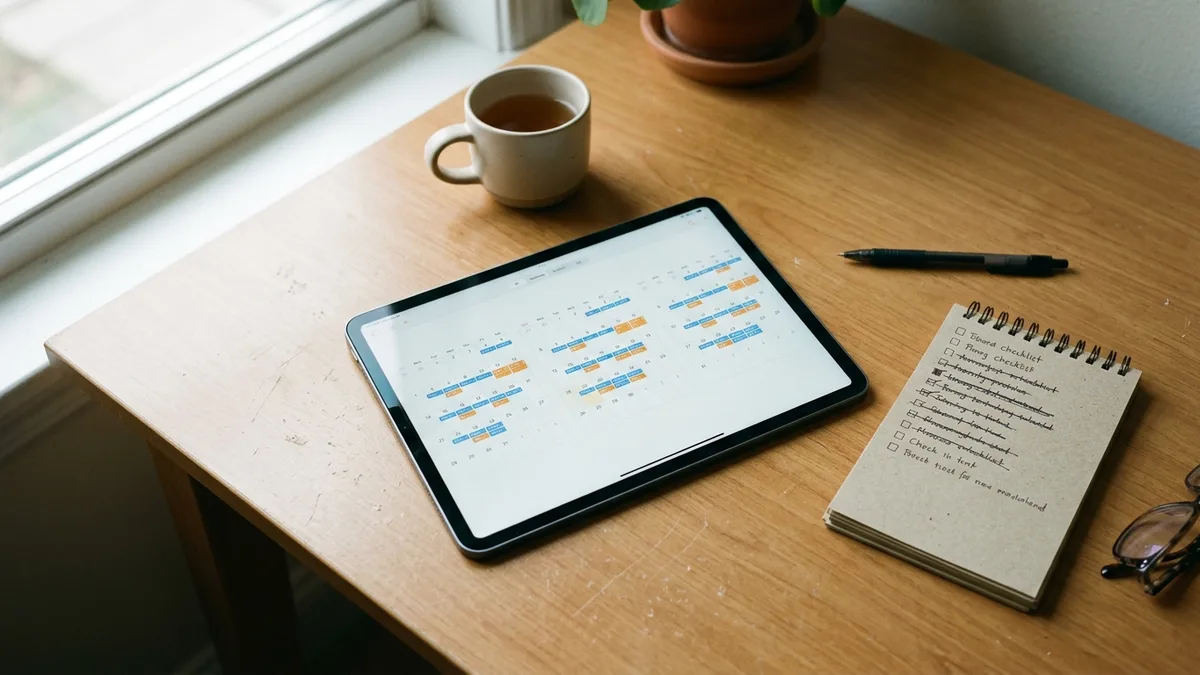
You verify sync by making a small, harmless calendar change on one platform and confirming it appears on the others within the expected window. Do this at setup and again on a regular schedule, because connections can fail without any warning.
Use this routine:
- Block one distant night on one platform and check the other platform and your master calendar.
- Unblock it and confirm the reopening syncs too, since one-way errors often show up here.
- Compare the three calendars side by side before any high-demand weekend.
- Re-authorize connections promptly if your tool warns that a channel has disconnected.
- Re-test after you change listing settings, add a property, or switch tools.
If you manage a portfolio, build this into a monthly checklist. Our piece on managing multiple vacation rentals without chaos covers how to systematize checks like this across many listings.
9. What Should You Do If a Double Booking Still Happens?
If a double booking still happens, contact both guests quickly, decide which reservation stays based on booking time and your own policy, and find the failed sync before you do anything else. Speed and honesty limit the damage.
A practical response plan:
- Detect. Confirm the overlap on your master calendar and note which booking came first.
- Decide. Keep the earlier reservation unless you have a reason not to. Offer to relocate the other guest if you have a comparable unit.
- Review platform policy. Host-initiated cancellations can carry penalties, fees, or ranking effects, and the rules differ by platform. Read each platform’s current cancellation policy for hosts before acting.
- Contact the guest. Message promptly and plainly, with a concrete alternative.
- Find the cause. Check the connection, listing mapping, and any leftover iCal links.
Do not leave this for later. A reservation cancelled close to arrival hurts the guest far more than one caught early.
10. Which Is Better: Manual Updates, iCal, or an API Channel Manager?
An API channel manager is the better choice for almost any host listing on two or more platforms, because it removes the delay and the human error that cause overlaps. Free iCal links work only for one or two low-volume listings.
Compare the three approaches below. Speeds come from typical industry ranges, so confirm them with your own provider.
| Method | Typical update speed | Cost | Best for |
|---|---|---|---|
| Manual updates | Whenever you remember | Free, but costs your time | A single listing on one platform |
| iCal calendar links | Periodic polling, commonly 15 to 30 minutes | Free | One or two low-volume listings |
| API channel manager | Typically under a minute | Paid, varies by provider | Anyone on multiple platforms |
| Integrated PMS plus channel manager | Typically faster still | Paid, varies by provider | Multi-property operations |
| Direct booking site synced from your PMS (Boostly Connect) | Reads live availability from your PMS | No upfront cost for up to 10 listings | Hosts adding a direct channel alongside OTAs |
On the question of the best channel manager for multiple booking platforms, our answer is a set of criteria instead of a name. Look for direct API connections to each platform, two-way sync of bookings and cancellations, support for the rules you use, clear connection-status alerts, and a PMS that fits the way you operate.
11. How Does Boostly Connect Keep Direct Bookings From Colliding With OTA Reservations?
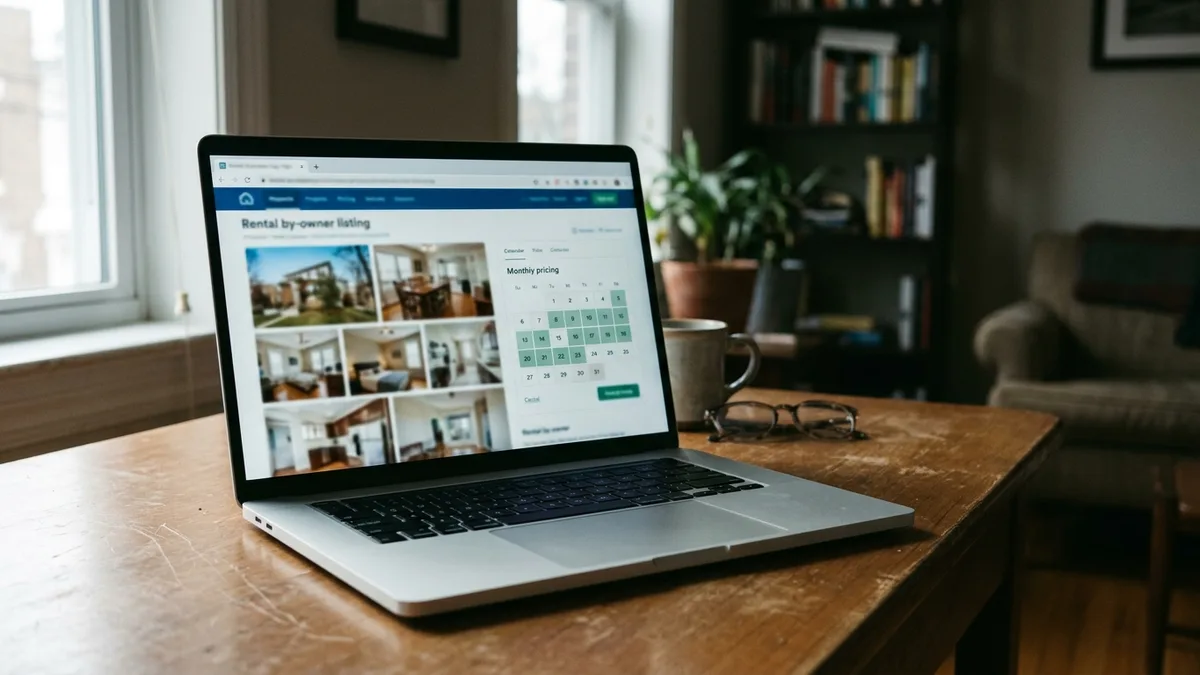
Boostly Connect keeps direct bookings aligned with your OTA reservations by building your website on top of your existing PMS, so the site reads live availability from the same calendar your channel manager keeps current. Guests who book direct never see nights already sold elsewhere. When a direct booking lands in your PMS, your channel manager then closes those nights on your OTA channels like any other reservation.
We built our Channel Management service around a problem we hear constantly: hosts add a direct booking site as a separate calendar, then create the exact overlap risk they were trying to avoid. A bolted-on plugin that you have to babysit is a double-booking machine.
Here is how we avoid it. You connect your PMS, from 27 supported integrations including Hospitable and Lodgify, in under five minutes, and the WordPress site shows live availability and real-time pricing. Everything stays in one connected system: PMS, website, and CRM. There is no developer, no code, and no upfront cost for up to 10 listings.
The model scales. One operator we worked with reached 55 percent direct bookings across a portfolio of more than 30 properties, all running from the same infrastructure. Each direct guest also lands in your own CRM, so you keep the contact data that OTAs would otherwise hold. For the website side of this, see our guide to what to look for in a direct booking website, and if pricing is your concern, read how real-time pricing on your vacation rental website works.
During your demo, ask us to walk through a test reservation on your own property data so you can see the calendar behave before you commit.
Conclusion: How Does a Channel Manager Prevent Double Bookings Across Platforms?
A channel manager prevents double bookings across multiple booking platforms by keeping one master calendar and pushing every booking, cancellation, and block to each of them through two-way API connections. It closes the delay that iCal and manual updates leave open, though you should still verify the connection and keep a response plan ready.
As you add channels in 2026, the safest setup has a single calendar source feeding every sales surface, including your own website. If you want that calendar to power a direct booking site as well, book a demo with Boostly Connect and see your PMS-synced site with live availability running on your own listings.
Frequently Asked Questions
How much commission do major booking platforms take from hosts?
The exact figure depends on the fee structure on your account, and it changes periodically, so check each platform’s current fee page. Across the OTA channels we see, total commission commonly lands in the 15 to 20 percent range per reservation. That is the cost you avoid on every booking that goes direct.
What CRM do major booking platforms use for hosts?
Major booking platforms do not give you a CRM you own. Guest relationships stay inside their systems, so you cannot reliably export contacts for your own marketing. Boostly Connect captures every direct guest into your own CRM, which is how hosts build a repeat-booking list.
Can you list on multiple major platforms at the same time?
Yes. Many hosts list on several to reach more travelers. You need a single system controlling the calendar, ideally a channel manager with two-way API sync, so one booking blocks the same dates on the other platforms.
How do I sync my listing calendar with my booking calendar?
You can export the iCal link from your listing and import it into your other calendar, then export the reverse link so the sync runs both ways. This works but refreshes on a delay, commonly 15 to 30 minutes. For faster, safer sync, use an API-based channel manager.
How fast does a channel manager update booking platforms?
API-based channel managers typically update in under a minute, and an integrated PMS can be faster. iCal links are slower because they are polled on a schedule. Ask your provider for its documented sync window and test it yourself.
What causes double bookings across multiple platforms?
The usual causes are manual calendar updates, iCal refresh delays, listings mapped to the wrong property, and direct or phone bookings that never reach the shared calendar. Two guests booking within seconds can also collide on rare occasions, even with a good setup.
What is the best channel manager for multiple booking platforms?
The best fit has direct API connections to each platform, two-way sync of bookings and cancellations, support for your rates and rules, and clear alerts if a connection drops. Match it to your property count and PMS. If you also want a direct booking site, make sure it reads from the same calendar.
Do I need a developer to connect my PMS to a direct booking website?
No. Boostly Connect syncs your existing PMS to your WordPress website without a developer or coding knowledge, and setup takes under 20 minutes. There is no upfront cost for up to 10 listings.