
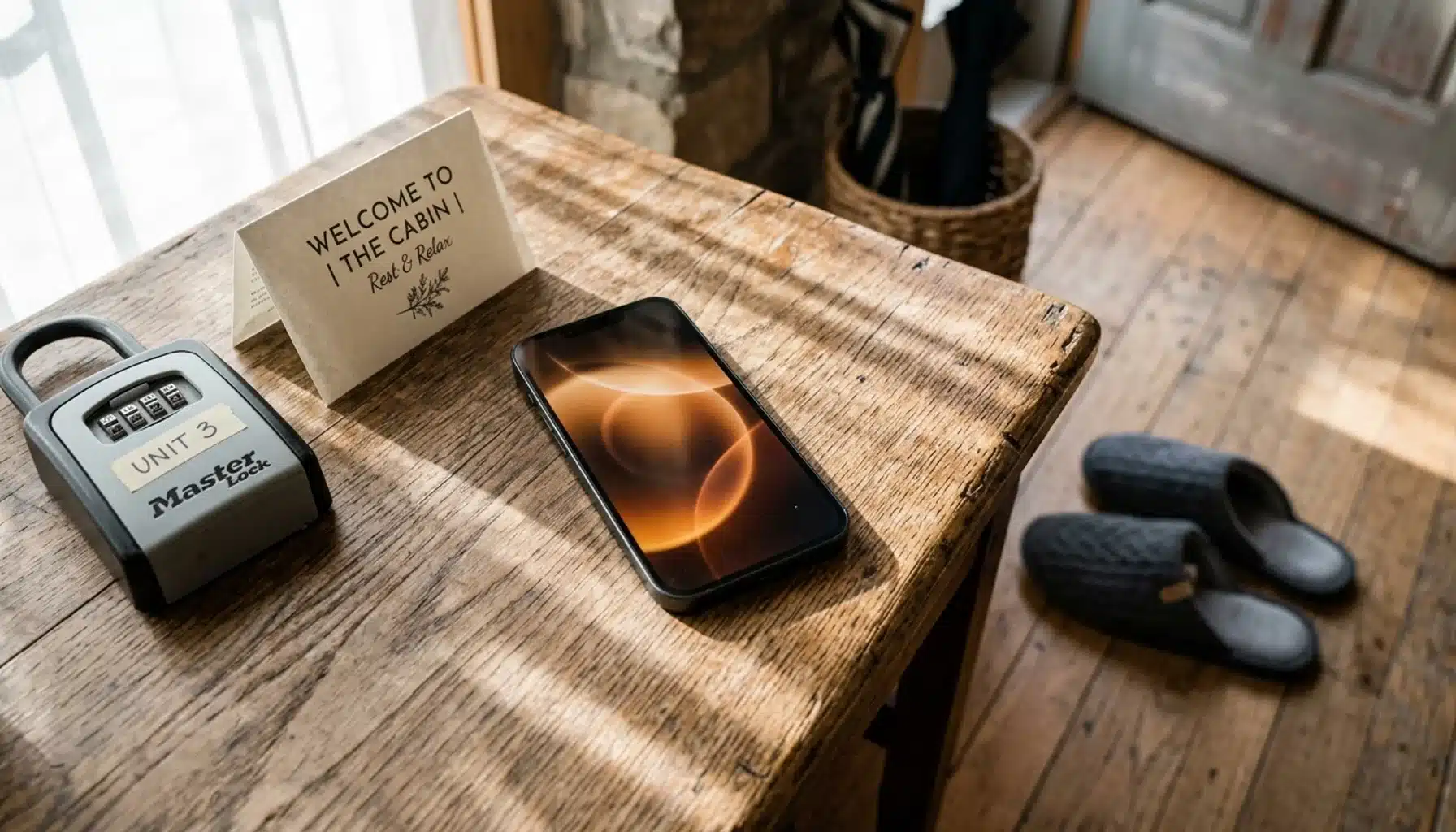
Automating guest messaging means setting up pre-written, trigger-based messages (confirmation, check-in instructions, mid-stay check-ins, checkout reminders, review requests) that send automatically based on booking dates, then layering in personalization variables and a human review step so the sequence still sounds like you wrote it. Done right, it cuts your response workload dramatically without guests noticing they’re talking to a system.
- Core sequence: most hosts automate five touchpoints: booking confirmation, pre-arrival (48 to 72 hours out), check-in day, mid-stay, and post-checkout review request.
- Personalization variables like guest name, property name, and access codes are what separate a message that feels automated from one that feels robotic.
- Multi-channel matters: email, SMS, and in-platform messaging each serve different moments; a single-channel approach leaves gaps in guest attention.
- 22.2% of property managers still aren’t collecting guest data at all, according to Enso Connect, which makes any kind of automated follow-up impossible.
- Repeat guests need a different sequence than first-timers; treating them identically wastes your best retention opportunity.
- Boostly Connect’s guest CRM runs automated email and SMS sequences off a host-owned contact list, so the guest data driving your automation never lives inside Airbnb’s system where you can’t touch it.
If you’re managing even two or three units, guest messaging eats hours you don’t have. Someone asks for the WiFi password at 11pm, someone else wants an early check-in, and a third guest is still waiting on checkout instructions you meant to send yesterday. In 2026, automating this workflow isn’t optional anymore; it’s the baseline for running a short-term rental without burning out.
The mistake we see most often at Boostly Connect is hosts who automate everything at once, then wonder why guests complain the property “feels impersonal.” Automation isn’t the problem. Generic, unpersonalized automation is. This guide walks through exactly how to automate guest messaging for your rental while keeping the tone genuinely yours, including the parts most guides skip: emergency handling, repeat guest personalization, and testing your sequences over time.
What Is Automated Guest Messaging for a Vacation Rental?
Automated guest messaging is a system of pre-written messages that trigger automatically based on a guest’s booking status, typically sent at booking confirmation, before arrival, on check-in day, mid-stay, and after checkout. Instead of you typing the same WiFi password message forty times a month, the system sends it the moment a trigger condition, usually a date or booking event, is met.
Specifically, most automation tools pull data directly from your reservation calendar, meaning the trigger fires whether the booking came from Airbnb, a direct site, or another channel. As a result, you set the sequence once and it runs for every future guest without you touching it again. That’s the appeal, and also where hosts get it wrong: they treat “set it and forget it” as license to skip personalization entirely.
We think about this differently. In our experience working with hosts building out their guest CRM for short-term rental hosts, the automation itself should be invisible. The guest should never think “this was clearly a template.” That requires more setup work upfront than most guides admit, but it pays off in review scores and repeat bookings.
Is There a Way to Set Up Automated Text Messages for Guests?
Yes, SMS automation for guests works through the same trigger-based logic as email: you write the message once, insert personalization variables, and set the send condition to a specific point in the booking timeline. Most property management systems and guest communication tools support SMS natively as of 2026, either built in or through an integration.
SMS specifically works best for time-sensitive, short messages: check-in day arrival windows, lockbox codes, or a same-day “anything you need before check-in?” nudge. Email, by contrast, handles longer content better, things like a full check-in guide, house rules, or a detailed post-stay thank you with a review link.
The mistake we see constantly: hosts automate SMS the same way they automate email, sending long paragraphs to a phone screen. Keep SMS to two or three sentences. If a guest needs a full guidebook, send it by email or link to a digital guidebook page instead of pasting the whole thing into a text.
Our guest CRM inside Boostly Connect runs SMS and email from the same automated sequence, triggered off your live PMS calendar, so you’re not manually deciding channel by channel for every booking, it’s set once per sequence and applies to all future reservations.
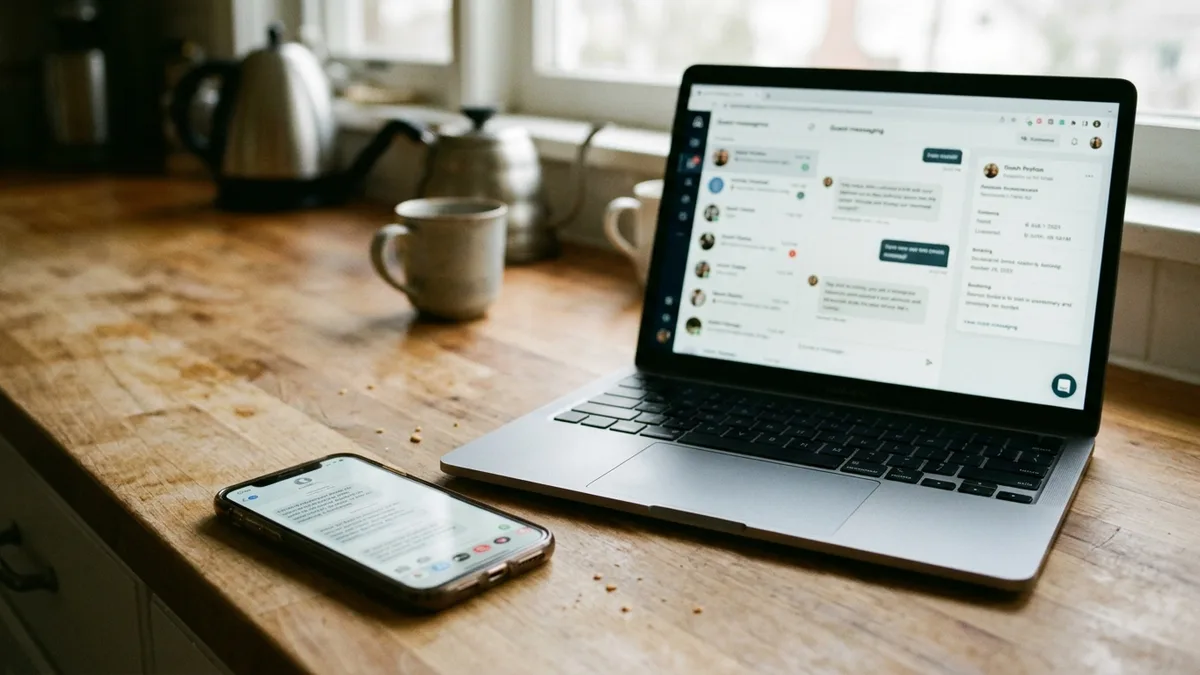
Can You Automate Messages on Airbnb Specifically?
Airbnb allows hosts to set up saved replies and scheduled messages directly inside its own messaging system, primarily for check-in instructions and pre-written responses to common questions. This native functionality is limited to bookings made through Airbnb and doesn’t extend to your direct bookings or other channels.
The Airbnb Special Offers feature also lets you send personalized discount offers to past guests who inquired but didn’t book, which is a genuinely useful native tool if you’re trying to recover a lost lead. Similarly, the Airbnb Re-book feature makes it easy for past guests to quickly rebook the exact same listing, and Airbnb’s Wishlists feature helps guests bookmark your property for later.
Here’s the catch: these tools only work inside Airbnb’s ecosystem. Every message, every saved contact, every automation you build there disappears the moment that guest books through a different channel, or worse, when Airbnb decides to change its messaging rules. You’re building automation on rented land.
This is exactly the gap Boostly Connect was built to close. Every guest who books direct through your Boostly Connect website gets automatically captured into your own CRM, not Airbnb’s, so the automated sequences you build actually belong to you and keep working no matter what Airbnb changes next. If you’re still relying entirely on Airbnb’s internal tools, read our breakdown of how to own guest data instead of leaving it inside Airbnb.
How Do You Generate an Automatic Message That Doesn’t Sound Robotic?
Generating a natural-sounding automatic message requires personalization variables (guest name, property nickname, exact check-in time, local details) inserted into a template written in your actual voice, not generic hospitality-speak pulled from a default. The variable does the personalization; your original wording does the human part.
Start with a base template, then rewrite it as if you were texting a friend who happens to be staying at your place. Cut phrases like “We hope you have a wonderful stay” and “Please don’t hesitate to reach out.” Real hosts don’t talk that way, and guests can tell the difference between a message that was thoughtfully written once and reused, versus one auto-generated with zero personality.
Micro-Tone Adjustments That Make Automation Feel Human
Small wording choices carry more weight than most hosts realize. Swap “Your check-in time is 3:00 PM” for “You’re all set for a 3:00 PM check-in, the door code will be live starting then.” Add one specific, local detail per message, a nearby coffee shop, a parking tip, something that couldn’t apply to just any rental.
Humor works too, in small doses. A line like “Fair warning: the shower has strong water pressure, you’re welcome” reads as personality, not automation. Just keep it consistent across your whole sequence; one goofy message followed by four formal ones feels jarring and gives away the template underneath.
How Do You Automatically Send Someone a Message at the Right Time?
You automatically send a guest message by setting a trigger, typically a fixed number of hours or days relative to check-in or checkout, inside your property management system or messaging tool, then letting the system fire it without manual action. The timing of the trigger matters as much as the message content itself.
A message sent too early gets ignored. A message sent too late feels like an afterthought. Based on the pattern we consistently see across hosts using structured sequences, the timing below works across most property types:
| Trigger Point | Message Purpose | Recommended Channel |
|---|---|---|
| Immediately after booking | Confirmation, excitement builder, what to expect next | |
| 48 to 72 hours before check-in | Arrival logistics, parking, packing reminders | Email or SMS |
| Morning of check-in | Door code, exact arrival window, contact info | SMS |
| Day 1 or 2 of stay | Mid-stay check-in, offer help without being intrusive | SMS |
| Morning of checkout | Checkout instructions, time reminder | SMS |
| 2 to 24 hours after checkout | Thank you, review request | |
| 7 to 14 days after checkout | Rebooking nudge, direct booking discount |
The last row is the one most hosts skip entirely, and it’s the most expensive gap. Data from Enso Connect shows more than 55% of vacation rental managers are now collecting guest data specifically to run this kind of follow-up, which tells you the operators pulling ahead in 2026 aren’t the ones with the fanciest listing photos, they’re the ones with a working post-stay sequence.
How Do You Handle Emergencies and Off-Hours Issues Without Sounding Robotic?
Emergency handling in an automated messaging system means building an escalation path, not just another automated reply, so genuine issues (a broken lock, no hot water, a lost booking confirmation) reach a real person fast while routine questions still get handled by automation. Mixing these two categories into one flat sequence is where most automation setups fail guests.
Set up a keyword trigger or urgent-flag system: if a guest message contains words like “locked out,” “emergency,” “broken,” or “no water,” route it immediately to a live text or call alert rather than a scripted reply. Your automated system can still send an instant acknowledgment (“Got it, looking into this now, give me two minutes”) while the real fix happens outside the automation.
This is the single biggest area competitor guides skip over. An automated apology for a legitimate emergency, sent with no human follow-up, damages trust faster than slow manual replies ever would. If you manage multiple properties and can’t personally monitor every channel at all hours, that’s the exact scenario our guide to managing multiple vacation rentals addresses in more depth, including how to structure escalation across a growing portfolio.
How Should You Personalize Messages Differently for Repeat Guests?
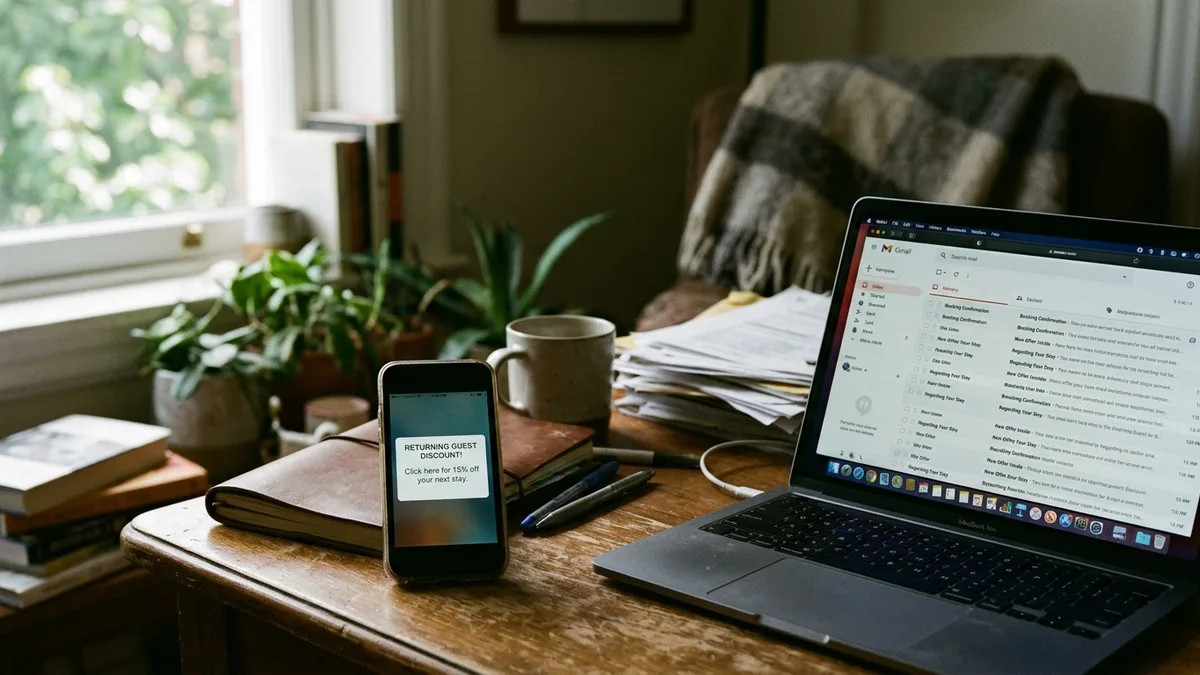
Personalizing messages for repeat guests means referencing their previous stay specifically (dates, what they mentioned liking, a return discount) rather than sending the identical first-time welcome sequence a second time. Treating a returning guest like a stranger is one of the fastest ways to lose them back to an OTA search.
A first-time guest sequence should focus on orientation: how to find the property, what to expect, basic house rules. A repeat guest sequence should skip all of that and lead with recognition: “Welcome back, we upgraded the coffee maker since your last stay” or a note referencing something specific from their prior visit. It signals you actually remember them, because your CRM does.
This distinction is where a real guest CRM earns its place over a basic autoresponder. Autoresponders send the same message regardless of history. A CRM tied to your booking data can flag returning guests automatically and route them into a different sequence entirely, which is exactly the segmentation Boostly Connect’s CRM handles: repeat bookers get flagged and pulled into a loyalty-toned sequence, first-timers get the orientation-focused version, without you manually sorting anyone.
How Do You Test and Improve Your Guest Messaging Sequences Over Time?
Testing a guest messaging sequence means changing one variable at a time, subject line, send timing, or message tone, and tracking response rate or review outcomes across a meaningful sample of bookings before making the next change. Guessing which version “feels right” without measuring anything wastes the entire point of automation.
Run two versions of your post-stay review request: one that asks directly for a review, one that leads with a thank-you and mentions the review as a secondary ask. Track which version actually produces more completed reviews over a run of bookings, not just which one you personally prefer. The same applies to pre-arrival timing: test sending it at 72 hours versus 48 hours and watch which one reduces day-of check-in questions.
Most hosts skip this step because their tools don’t make it easy to isolate variables. If you’re evaluating platforms, look specifically for one that gives you reporting on message-level outcomes, not just delivery confirmation. Boostly Connect’s reporting dashboard tracks direct booking revenue and guest engagement in one place, which gives you the actual outcome data, not just “message sent,” to know whether a sequence change is working.

How Do You Keep Messaging Consistent Across Multiple Properties?
Maintaining brand consistency across multiple properties means building one master template library with shared tone and structure, then customizing only the property-specific variables, rather than writing separate sequences from scratch for every listing. Inconsistency across a portfolio confuses guests and makes a multi-property operation look unprofessional.
Build your sequences at the brand level first: one welcome template, one check-in template, one review request template. Then insert property-specific variables (name, address, access instructions, local recommendations) rather than rewriting the whole message per property. This keeps your voice consistent whether a guest is staying at property one or property twelve.
Scaling this manually across a growing portfolio is where most self-managing hosts hit a wall; it’s exactly the tech-stack chaos we cover in our guide on how to grow a vacation rental business without proportional headcount growth. Boostly Connect’s multi-listing support applies your master templates across every synced property automatically, so adding a new listing doesn’t mean rebuilding your entire messaging system from zero.
What Tools Actually Automate Guest Messaging for Short-Term Rentals?
Guest messaging automation tools fall into two categories: dedicated communication platforms that plug into an existing property management system, and full-stack platforms that combine messaging with a direct booking website and CRM in one connected system. Choosing between them depends on whether you already have a working PMS and just need messaging, or whether you’re rebuilding your entire booking and communication infrastructure.
Dedicated messaging tools are lighter to set up but leave your booking website and CRM as separate, disconnected systems you have to maintain individually. Full-stack platforms take longer to configure upfront but eliminate the reconciliation work of syncing guest data between three different tools.
We built Boostly Connect specifically because most hosts we talked to were stitching together a PMS, a website plugin, and a separate messaging tool, then manually keeping guest records aligned across all three. Boostly Connect syncs your existing PMS (supporting 8 integrations including Hospitable, Guesty, Lodgify, and Hostfully) directly to a CRM that runs your automated messaging, so guest data, booking status, and message triggers all live in one connected system instead of three.
What Mistakes Should You Avoid When Automating Guest Messages?
The most damaging mistake in guest messaging automation is copying a generic template without rewriting it in your own voice, followed closely by sending too many automated touches in too short a window. Both mistakes make automation obvious, which defeats the entire point.
- Skipping the emergency escalation path. If every message, including genuine problems, gets an automated reply with no human follow-up, you’ll lose guest trust fast.
- Using identical sequences for first-time and repeat guests. Returning guests notice when you don’t recognize them.
- Over-automating. Five to seven touchpoints across a stay is plenty; more than that starts to feel like spam.
- Never testing message variations. Set-and-forget only works if what you set was actually working in the first place.
- Leaving guest data siloed inside one OTA’s system. If your only guest list lives inside Airbnb, you can’t run your own automation on it at all, an issue directly tied to why getting more direct bookings matters beyond just saving on commission.
Data and Evidence: What the Numbers Say About Guest Messaging Automation
The market data backs up why automation has become standard rather than optional in 2026. According to StayFi, the global short-term rental industry is projected to reach $108 billion in 2026, and that scale is exactly why manual, one-by-one messaging no longer works for operators trying to stay competitive. Guest expectations for fast, consistent communication have risen alongside that growth.
Reviews are directly tied to messaging quality. Separate survey data shows 75% of respondents said they would pay more for a rental if they saw better customer reviews, and your post-stay message sequence is one of the biggest levers for actually generating those reviews. Meanwhile, Enso Connect’s research found 22.2% of property managers aren’t collecting guest data at all, meaning roughly one in five operators can’t run any kind of automated follow-up because they never captured the contact in the first place.
CraftedStays reports that more than 50% of vacation rental website traffic now comes from mobile phones, which is another reason SMS specifically deserves a place in your messaging mix rather than relying on email alone.
Practical Guidance: How to Actually Set This Up This Week
Start small. You don’t need all seven touchpoints from the table above live on day one. Here’s the order that works best based on what we see across operators actually implementing this:
- Audit your current manual messages. Pull the last twenty guest conversations and note which questions repeat. Those become your first automated templates.
- Write your check-in and checkout messages first. These get the highest volume and the most repetitive questions, so they deliver the fastest time savings.
- Add personalization variables before you activate anything. Name, property nickname, and specific access details, minimum.
- Set your emergency escalation rule. Decide now which keywords or situations bypass automation entirely.
- Build your repeat-guest variant. Even a simple “welcome back” swap makes a measurable difference.
- Review results after 30 days. Check response rates, review completion, and any guest complaints about tone before expanding further.
If you’re managing this across a growing portfolio and manual reconciliation is already eating your week, our piece on the best CRM for short-term rental hosts covers how to evaluate platforms specifically for this use case.
Frequently Asked Questions
How to generate an automatic message that still sounds like me?
Write your base template in your normal speaking voice first, then insert personalization variables (name, dates, property, access codes) rather than starting from a generic default template. Read it out loud before activating; if it sounds like something a call center would send, rewrite it.
Can I automate messages on Airbnb without losing control of guest data?
Airbnb’s native saved replies and scheduled messages work only within its own system and don’t transfer guest data to a tool you control. For direct bookings, a CRM tied to your own website captures the contact permanently, which is the structural difference between automating inside Airbnb versus automating your own channel.
How long should a guest messaging sequence take to set up?
Writing and configuring a five-message core sequence typically takes a few focused hours if you’re starting from your existing manual replies as a base. Connecting that sequence to live booking triggers through a synced PMS is usually the faster part, often completed in minutes once your property system is connected.
What’s the difference between SMS and email automation for guests?
SMS works best for short, time-sensitive messages like arrival windows and door codes, while email handles longer content like full check-in guides and detailed post-stay follow-ups. Most effective sequences use both channels for different moments rather than picking one exclusively.
Do I need a separate tool for guest messaging if I already have a PMS?
Not necessarily. Many property management systems include basic automated messaging, but a dedicated CRM layer gives you segmentation (first-time versus repeat guests), reporting on message outcomes, and the ability to run the same sequences across your direct booking channel, not just OTA bookings.
How do I stop automated messages from feeling repetitive to returning guests?
Build a separate sequence specifically for repeat guests that skips orientation content and leads with recognition, referencing their prior stay or offering a loyalty-toned discount. This requires your system to flag returning guests automatically based on booking history rather than treating every reservation as a first stay.
Should every message in my sequence be automated, or should some stay manual?
Routine, predictable questions (check-in time, WiFi, parking) are ideal for automation. Anything flagged as an emergency or genuine complaint should route to a human immediately, with the automated system only sending an instant acknowledgment while the real response happens manually.
What happens to my automated messaging if I switch property management systems?
If your messaging automation lives inside your PMS rather than a separate connected CRM, switching systems usually means rebuilding your sequences from scratch. This is why we built Boostly Connect to sync across 8 different PMS platforms, so your CRM and message sequences stay intact even if you migrate your underlying property system.
Conclusion: Automate the Repetition, Keep the Relationship
Learning how to automate guest messaging comes down to one principle: automate what repeats, personalize what matters, and build an escalation path for what’s genuinely urgent. The five-touchpoint sequence outlined above (confirmation, pre-arrival, check-in, mid-stay, post-checkout) covers the bulk of guest communication most hosts currently handle manually.
The operators pulling ahead in 2026 aren’t the ones sending the most messages. They’re the ones whose automated sequences feel personal enough that guests never notice they’re automated at all, backed by a guest CRM that actually belongs to them rather than living inside an OTA’s walled system. That’s the exact infrastructure gap Boostly Connect closes: your PMS, your website, and your automated messaging sequences all connected to a CRM you own.
If your guest messaging currently lives scattered across Airbnb’s inbox, a few saved text replies, and whatever you remember to send manually, that’s the sign it’s time to consolidate. Get started with Boostly Connect and book a demo to see your existing PMS synced to an automated messaging sequence and a direct booking website in one connected system.
If you’re ready to see what automated, personalized guest messaging looks like without the manual back-and-forth, Boostly Connect can walk you through connecting your existing PMS and activating your first sequence in a live demo.