

Creating a website like Airbnb with WordPress means combining a rental marketplace plugin, a booking calendar system, a payment gateway, and user roles for hosts and guests into one connected site. Most builders use a directory or classifieds-style plugin as the foundation, then layer booking and payment functionality on top.
Key Takeaways
- Building an Airbnb-style WordPress site typically requires a directory or marketplace plugin, a booking calendar system, a payment gateway with split commissions, and user role configuration for hosts and guests.
- The global vacation rental market reached between roughly $98 billion and $106 billion in 2026, depending on the research provider, showing why marketplace-style booking sites remain an active investment area.
- Airbnb operates over 9 million active listings worldwide with more than 5 million hosts, according to StayFi’s 2026 vacation rental statistics summary, which explains why so many hosts and entrepreneurs want a similar model.
- Most Airbnb clone projects take longer and cost more than expected once you factor in ongoing plugin maintenance, security patching, and calendar sync debugging across multiple listings.
- If your goal is a single-property or small-portfolio direct booking site rather than a full multi-vendor marketplace, you don’t need the same infrastructure a clone requires, and there is a far faster path.
- Boostly Connect exists specifically for hosts who want the results of a professional booking website (live availability, real-time pricing, guest data capture) without building or maintaining an Airbnb-style clone from scratch.
If you’re an independent host or a boutique property manager searching for how to build something that looks and functions like Airbnb, you’re probably chasing one of two goals. Either you want to launch your own multi-vendor marketplace where other property owners list with you, or you actually just want a professional, bookable website for your own properties that feels as polished as Airbnb’s search-and-book experience.
Those are two very different projects, and conflating them is the number one reason WordPress Airbnb clone builds stall out. A true marketplace clone needs vendor dashboards, commission splitting, and ID verification workflows. A direct booking site for your own listings needs live availability, real-time pricing, and a way to capture guest contact data so repeat guests come back to you instead of to a third-party platform.
At Boostly Connect, we work with hosts every day who started down the “build an Airbnb clone” path before realizing they only needed the booking-website half of that equation. This guide walks through the full technical process for building an Airbnb-style site on WordPress in 2026, including the marketplace-specific steps most guides skip, and shows you where a faster route exists if a full clone isn’t actually what you need.
How Can I Build a Website Similar to Airbnb?
Building a website similar to Airbnb on WordPress requires four core layers: a rental listing plugin for property submissions, a booking engine with real-time calendars, a payment system that supports host payouts, and user roles that separate hosts from guests. Most builders assemble these from separate plugins rather than a single all-in-one theme.
First, you need hosting that can handle image-heavy listing pages and concurrent booking requests without slowing down. Shared hosting plans struggle once you have more than a handful of active listings with photo galleries, so most marketplace builders move to managed WordPress hosting or a VPS as traffic grows.
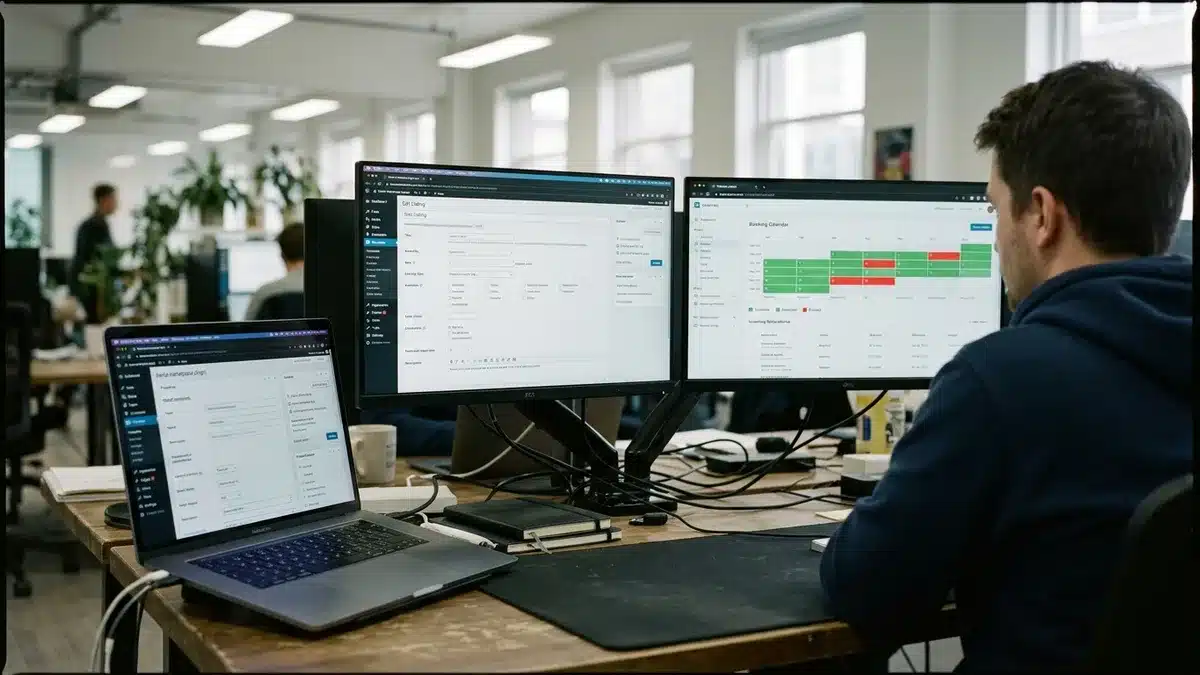
Second, you need a directory or classifieds-type plugin as your foundation. This is the layer that lets a host submit a property listing with photos, amenities, and location data, and lets guests search and filter results. Configuration typically happens through the plugin’s own admin panel, where you build out the listing submission form field by field.
Third, you layer in a booking calendar extension that adds date-range availability, blocks off booked dates, and syncs with external calendars via iCal so a property doesn’t get double-booked across platforms. Fourth, you connect a payment gateway that supports splitting a booking payment between the platform owner’s commission and the individual host’s payout.
Notably, the technical build is only half the project. The other half, driving enough search traffic and repeat visits to make a standalone booking site worthwhile, is what most first-time builders underestimate. We cover that gap later in this guide.
What Plugins and Themes Do You Need for an Airbnb-Style Marketplace?
An Airbnb-style WordPress marketplace typically needs a directory-type core plugin, a booking calendar add-on, a payment/commission plugin, and a search-and-filter enhancement. Each layer handles a distinct function, and skipping one usually means bolting on a workaround later that breaks during updates.
The directory or classifieds plugin category is the foundation most builders start with, configuring it as a rental or accommodation directory type rather than a generic business listing directory. From there, a booking extension adds the date-range calendar functionality that turns a static listing page into something guests can actually reserve.
For payments, WooCommerce-based booking extensions are common because WooCommerce already handles product variations, checkout flows, and gateway integrations like Stripe and PayPal. Marketplace-specific plugins add the commission-splitting layer on top, so the platform owner automatically takes a cut before the host’s payout processes.
Search and filtering usually needs its own attention. Guests browsing an Airbnb-style site expect to filter by price range, dates, amenities, and location on a map, not just scroll a plain list. This is one of the areas where thin WordPress builds visibly fall short of the polish guests are used to from established platforms, and it’s a common reason visitors bounce before booking.
| Layer | Function | Common Approach |
|---|---|---|
| Directory/Core Plugin | Property listing submission and display | Configured as a rental/accommodation directory type |
| Booking Calendar | Date-range availability, iCal sync | Booking extension layered on the core plugin |
| Payments | Checkout, host payout, commission split | WooCommerce-based gateway with a marketplace commission add-on |
| Search & Filters | Map search, price/amenity filtering | Enhanced search plugin or theme-native filtering |
If your end goal is simply a professional booking website for your own portfolio rather than a multi-vendor marketplace, this entire plugin stack is more than you need. That’s the exact gap Boostly Connect fills: instead of stitching together a directory plugin, a booking calendar, and a payment gateway separately, Boostly Connect syncs directly with your existing property management system and pushes live availability and real-time pricing straight to your WordPress site.
How Do You Set Up User Roles, Booking, and Payments?
Setting up user roles on an Airbnb-style WordPress site means creating at least three distinct roles: guest, host/vendor, and admin, each with different dashboard permissions. Hosts need a submission and calendar-management view, guests need a search-and-book flow, and admins need commission and dispute oversight.
Most directory and marketplace plugins ship with a vendor dashboard where hosts log in to add new listings, update availability, and view their booking history. Configuring this correctly means deciding upfront what data fields every listing requires, since changing the data model after hosts have already submitted dozens of listings creates painful cleanup work later.
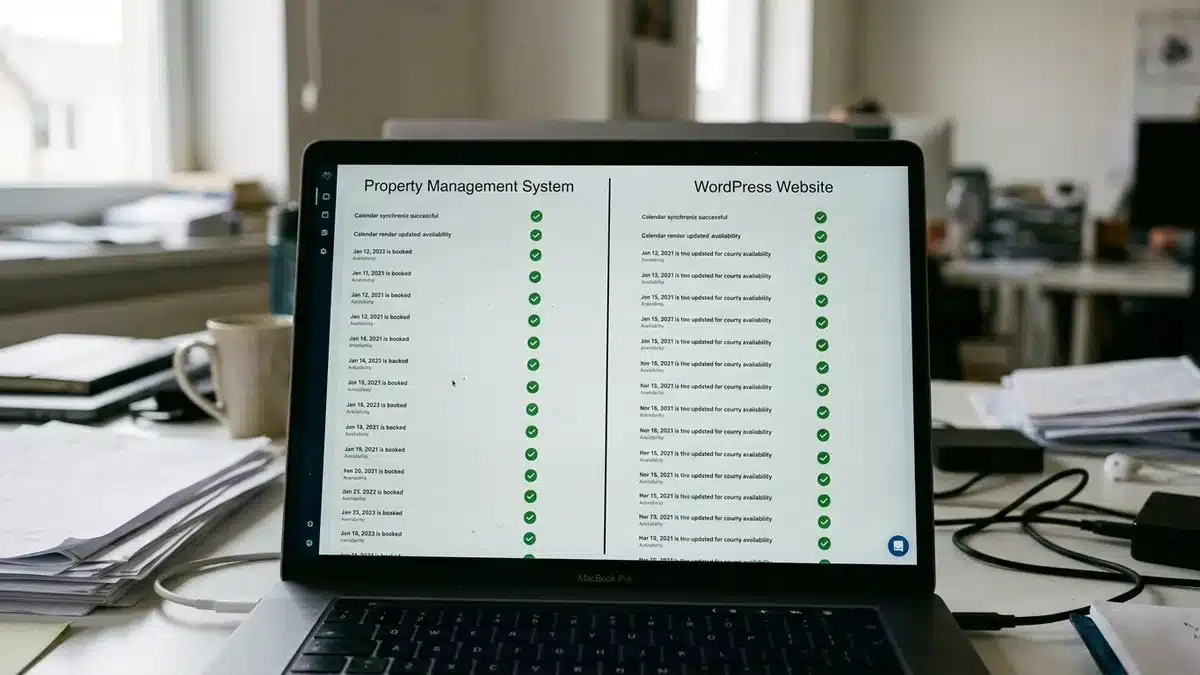
For the booking flow itself, guests need to see live availability before they commit to checkout. This is where a lot of DIY builds fail quietly: if your calendar sync isn’t reliable, a guest can book a date that’s already reserved elsewhere, creating a double-booking that damages trust immediately. iCal sync between your WordPress calendar and any other platforms your hosts use is not optional if you want to avoid this.
Payment setup requires deciding your commission model (a flat percentage per booking is standard) and configuring your gateway to route the host’s payout automatically after the platform’s cut is deducted. Stripe Connect and PayPal for Marketplaces are the two most common gateway choices for this exact split-payment pattern.
In our experience working with property owners who tried to build this themselves, the booking-and-payment layer is where most projects stall, not the listing pages. Syncing availability accurately across a PMS, a WordPress calendar, and a payment gateway without breaking is exactly the “set it and forget it” problem Boostly Connect was built to solve, connecting your existing PMS, website, and CRM so all three stay synced automatically instead of requiring manual reconciliation every time a booking comes in.
What Does the 80/20 Rule Mean for Airbnb?
There is no verified, industry-standard “80/20 rule” specific to Airbnb’s business model or fee structure. When people search this phrase, they’re usually asking about the general Pareto-style idea that a small share of listings or guests drive a large share of bookings, or they’re confusing it with Airbnb’s actual guest service fee structure.
What is verifiable is Airbnb’s fee model itself. Airbnb typically charges guests around 14 percent in service fees on top of the nightly rate, according to ATLAS by AvantStay’s June 2026 reporting, in addition to the host-side commission that most hosts already know eats into their nightly rate. That combined cost is exactly why so many hosts start researching how to build their own booking site in the first place: every dollar routed through a third-party platform is a dollar the platform takes a cut of before it reaches you.
If you’re trying to understand which listings or guest segments actually drive your revenue, that’s a legitimate operational question, just not one with an official “80/20” answer specific to short-term rentals. It’s worth tracking which of your properties or guest types generate repeat bookings versus one-time stays, since repeat guests are typically the cheapest booking source you have once you own the relationship directly. For a deeper look at what that repeat-guest math looks like in practice, our guide on how to re-engage past vacation rental guests breaks down the sequencing that works.
Can ChatGPT Build a WordPress Website?
ChatGPT can generate code snippets, plugin configuration instructions, and content for a WordPress website, but it cannot independently build, install, or deploy a live WordPress site on its own. It functions as a coding assistant and content generator, not an autonomous website builder.
For an Airbnb-style marketplace specifically, ChatGPT can help you draft PHP snippets for custom fields, write listing description templates, or troubleshoot plugin conflict error messages. What it cannot do is log into your hosting control panel, install plugins, configure a payment gateway, or test your live booking calendar for double-booking bugs. Those steps still require a human at the keyboard.
Where ChatGPT genuinely helps is content generation once your site structure exists: writing property descriptions, drafting FAQ pages, or generating email sequences for guest follow-up. Notably, using AI to generate content is a very different task from using it to architect a booking-and-payment system, and conflating the two is where a lot of “AI built my Airbnb clone” claims fall apart under scrutiny.
If your interest in ChatGPT stems from wanting a faster, less technical path to a booking website, that instinct is correct, it’s just aimed at the wrong tool. A done-for-you platform that connects your existing property management system directly to a WordPress site without requiring you to write code or manage plugin conflicts gets you to the same outcome without the debugging. That’s the exact no-developer, no-code approach Boostly Connect takes, syncing your PMS to a live site typically in under 20 minutes.
Is There a Website Similar to Airbnb?
Yes, several WordPress-based marketplace models let you build a site functionally similar to Airbnb, including multi-vendor directory plugins configured for short-term rentals and booking marketplace plugins that let property owners list while the platform admin earns a commission. None of these are pre-built Airbnb replicas; each requires configuration specific to lodging.
The distinction that matters is between a true multi-vendor marketplace (where multiple independent hosts list properties and you take a commission, functionally competing with Airbnb itself) and a single-operator direct booking site (where you’re just trying to get guests to book your own properties without an OTA middleman). Most people who type this search are actually looking for the second thing.
If you’re picturing yourself as the “Airbnb operator” managing a marketplace of other people’s listings, that’s a legitimate but significantly larger undertaking involving legal terms of service, host vetting, and dispute resolution processes you’d need to build from scratch. If you’re picturing your own properties presented the way Airbnb presents listings, professional photos, instant availability, transparent pricing, that’s a much smaller and faster project.
We built Boostly Connect for the second group. Instead of recreating Airbnb’s entire marketplace infrastructure, Boostly Connect gives your own properties the same live-availability, real-time-pricing experience guests expect from Airbnb, but on a website you fully own, with all guest data flowing into your own CRM instead of staying locked inside a third-party platform.
What Are the Content Gaps Most WordPress Airbnb Guides Skip?
The content gaps most WordPress Airbnb clone guides skip are legal and policy setup, migration strategy from an existing OTA presence, and realistic maintenance overhead. Most tutorials cover plugin installation in detail but stop before addressing what happens after launch.
Legal and Policy Setup
Before you accept a single booking, you need house rules, a liability waiver appropriate to your jurisdiction, and an ID verification process if you’re running a multi-host marketplace. Many cities also require short-term rental operators to register locally and display a license number on any booking platform, according to widely documented municipal short-term rental regulations. Skipping this step is fine for a demo site; it is not fine once real money and real guests are involved. Confirm your specific local requirements with your city’s licensing office rather than relying on generic online guidance, since rules vary significantly by jurisdiction and change periodically.
Migrating From Airbnb Without Losing Momentum
If you already have an established Airbnb presence, moving guests toward a self-hosted site isn’t an all-or-nothing switch. Most successful hosts run both simultaneously, keeping their Airbnb listing active for new-guest discovery while redirecting repeat guests toward their own booking site for future stays. Calendar sync between your WordPress site and Airbnb via iCal prevents double-bookings during this transition period, and getting your rate parity right matters too; if your direct site is cheaper, you’ll accelerate the shift, but if it’s priced the same or higher, guests have little incentive to switch.
The Maintenance Overhead Nobody Mentions
A WordPress marketplace built from five or six separate plugins requires ongoing security patching, plugin compatibility testing after every WordPress core update, and manual debugging when a calendar sync silently fails. This is the part almost no beginner guide addresses honestly: the build is a one-time project, but the maintenance is forever. That ongoing overhead is precisely why Boostly Connect positions itself as infrastructure rather than a one-time build; connecting your PMS, website, and CRM so all three keep operating automatically, without you personally patching plugins or chasing sync errors every month.
What Does the Vacation Rental Market Look Like in 2026?
The global vacation rental market was valued at approximately $101 to $106 billion in 2026, depending on the research provider, reflecting continued year-over-year growth in both listing supply and total gross bookings. This growth is exactly why building a competitive booking presence, whether a full marketplace or a direct booking site, remains a relevant investment in 2026.
Available short-term rental listings in the United States alone are projected to reach 1.77 million in 2026, up from 1.69 million in 2026, according to industry supply tracking, a roughly 4.7 percent year-over-year increase. More supply means more competition for guest attention, which raises the bar for what a booking website needs to look and function like if it’s going to convert visitors instead of losing them to a more polished competitor.
Airbnb itself operates over 9 million active listings worldwide with more than 5 million hosts and over 2 billion cumulative guest arrivals, according to StayFi’s 2026 vacation rental statistics summary. That scale is precisely why guests expect the Airbnb-standard experience (instant search, live availability, transparent pricing, verified reviews) from any booking site they visit, including yours. Falling short of that standard on a self-built WordPress site is the single most common reason clone projects underperform after launch.
The property management software market itself is projected to grow from $3.61 billion in 2026 to $5.89 billion by 2033, a compound annual growth rate of roughly 6.4 percent, signaling that more operators are investing in connected, automated systems rather than piecing together manual workarounds. That trend lines up directly with what we see across hosts using Boostly Connect: the operators scaling fastest are the ones who stopped treating their website, PMS, and guest communications as three separate projects.
What Should You Prioritize First, and What Mistakes Should You Avoid?
The first priority when building an Airbnb-style WordPress site should be clarifying whether you’re building a multi-vendor marketplace or a direct booking site for your own properties, since that decision determines every plugin and configuration choice that follows. Making this decision after you’ve already started building is the single most expensive mistake to fix.
Common Mistakes
- Skipping the data model planning stage. Adding or renaming custom fields after hosts have submitted dozens of listings creates a cleanup project that’s harder than starting over.
- Underestimating hosting requirements. Image-heavy listing pages with live search filtering need more server capacity than a typical WordPress blog; shared hosting often buckles once you have real booking traffic.
- Ignoring calendar sync reliability. A single failed iCal sync can create a double-booking, which is one of the fastest ways to damage guest trust permanently.
- Treating the launch as the finish line. The build is a one-time project; the plugin updates, security patches, and sync debugging continue indefinitely.
- Building traffic generation as an afterthought. A technically perfect booking site with no search visibility or repeat-guest strategy behind it won’t generate revenue on its own.
Trade-offs Worth Understanding
A fully custom-built marketplace gives you complete control over branding, commission structure, and feature set, but it comes with the ongoing plugin maintenance burden described above and typically a longer path to launch. A done-for-you platform trades some of that granular customization for speed, reliability, and built-in guest data capture, which matters most if your actual goal is more direct bookings rather than owning a marketplace business.
If you decide the direct booking route fits your situation better, our guide on how to build a direct booking website without hiring a developer walks through that faster path in more detail, and our playbook on how to get more direct bookings covers the traffic and conversion side most technical guides skip entirely.
How Do You Actually Drive Traffic and Bookings to an Airbnb-Style Site?
Driving traffic to a self-built booking website requires SEO-optimized listing pages, a content strategy that targets destination and property-specific search terms, and an email or CRM system that converts past guests into repeat direct bookings. A technically functional booking site with no traffic strategy behind it will sit dormant.
SEO matters more for a self-hosted booking site than most builders expect, since you’re competing for search visibility without Airbnb’s existing domain authority behind you. Our guide on SEO for Airbnb listings and our broader vacation rental SEO tips both cover the specific on-page and technical factors that determine whether your listing pages actually rank.
Past guest retention is the other half of the traffic equation, and it’s the one most WordPress marketplace tutorials never mention at all. Once a guest has booked with you directly, you own their contact information, and that relationship is worth nurturing through targeted email sequences rather than hoping they remember your site name a year later. Our vacation rental social media strategy guide covers the complementary channel for staying visible between bookings.
This is exactly the gap we designed Boostly Connect’s CRM to close: every guest who books direct through your site is automatically captured into your own CRM with built-in email and SMS automation for repeat-stay sequences, so you’re not manually exporting spreadsheets or bolting on a separate email tool after the fact.
Frequently Asked Questions
What percentage does Airbnb take from hosts and guests?
Airbnb typically charges guests around 14 percent in service fees on top of the nightly rate, according to ATLAS by AvantStay’s June 2026 reporting, in addition to a separate host-side service fee that varies by host type and cancellation policy. Combined, these fees are why many hosts research building their own direct booking site.
How much of a cut does Airbnb take compared to a direct booking site?
Airbnb’s combined guest and host fees typically fall in the mid-teens percentage range per booking, while a direct booking site you own has no per-booking platform commission, though you’ll still pay standard payment processing fees. This is the core financial argument for building a direct booking presence alongside your Airbnb listing rather than instead of it.
How can I build a website similar to Airbnb without hiring a developer?
You can use no-code directory and marketplace plugins configured through their admin panels rather than custom code, though you’ll still need to understand plugin settings, calendar sync, and payment gateway configuration. If your actual goal is a direct booking site for your own properties rather than a full marketplace, Boostly Connect syncs your existing PMS to a live WordPress site with no developer and no coding knowledge required.
Is there a website similar to Airbnb I could use instead of building one?
Several WordPress-based directory and marketplace plugins can be configured to function similarly to Airbnb for lodging, but none arrive pre-built for short-term rentals specifically; each requires manual setup for booking calendars, payments, and search. If you only need your own properties presented with Airbnb-level polish rather than a full multi-vendor marketplace, that’s a substantially smaller and faster project.
Can ChatGPT actually build a full WordPress website like Airbnb by itself?
No, ChatGPT can generate code snippets, configuration instructions, and content, but it cannot install plugins, configure a live hosting environment, or test a booking calendar for double-booking errors on its own. Someone still needs to execute the technical setup manually or use a done-for-you platform that handles the sync work automatically.
Can a website builder for vacation rentals support dynamic pricing integration?
Yes, several vacation rental website platforms support dynamic pricing by syncing directly with your property management system, so nightly rates update automatically as your PMS pricing changes. Boostly Connect pulls real-time pricing straight from your existing PMS into your WordPress site, so your direct booking rates never fall out of sync with what your PMS shows internally.
What’s the realistic timeline to launch an Airbnb-style WordPress marketplace?
A full multi-vendor marketplace with custom user roles, booking, and payment splitting typically takes weeks to months depending on your plugin stack and customization needs, plus ongoing maintenance after launch. A single-operator direct booking site connected to an existing PMS is a dramatically faster project since it skips vendor onboarding, commission logic, and multi-host verification entirely.
Conclusion: Choose the Build That Matches Your Actual Goal
Building a true Airbnb clone marketplace on WordPress is a real, achievable project in 2026, but it requires a directory plugin, booking calendar, payment gateway with commission splitting, and ongoing plugin maintenance that most first-time builders underestimate. If your actual goal is a professional, bookable website for your own properties rather than a multi-vendor marketplace, that project is far smaller than most guides make it sound.
The vacation rental market’s continued growth into the hundred-billion-dollar range in 2026 means the opportunity is real, but so is the competition for guest attention. Guests now expect Airbnb-level polish (live availability, instant pricing, easy search) from any site they land on. Getting there without the maintenance burden of a full clone is possible when your website connects directly to the systems you already run.
If you’ve read this far and realized what you actually want is your own properties bookable on your own site, synced to your existing PMS, with guest data flowing into your own CRM instead of Airbnb’s, book a demo with Boostly Connect and see your direct booking site built out against your own property data in under 20 minutes.

Instead of spending weeks stitching together plugins to recreate Airbnb’s booking experience, Boostly Connect gives your properties that same live-availability, instant-pricing feel on a site you fully own. Get started with Boostly Connect and see your PMS synced to a live website in under 20 minutes.