

A short term rental website template is a pre-built website layout designed specifically for vacation rental hosts, featuring a booking engine, photo gallery, calendar, and payment integration out of the box. The template itself matters far less than what powers it: without live availability synced to your property management system, even the best-designed template becomes a static brochure guests can’t actually book from.
Key Takeaways
- A short term rental website template needs three working parts to convert: a booking engine, real-time calendar sync, and mobile-first design, since over half of vacation rental website traffic comes from mobile phones (CraftedStays, 2026).
- Standalone WordPress and Squarespace themes for vacation rentals typically run from roughly $16/month to $89/year, but none of them include PMS integration or guest CRM functionality by default.
- Repeat guest retention is where most hosts lose the most money: the average host sees a 5 to 8 percent repeat guest rate, compared to 15 to 25 percent for hosts with a deliberate retention strategy (Lodgify via StayStrat, 2026).
- Roughly three-quarters of repeat guest revenue still flows back through OTAs paying standard 12 to 20 percent commissions, even when the guest already stayed with you once (GetHostAI, 2026).
- The vacation rental software market is projected to grow from $8.6 billion in 2026 to $14.1 billion by 2034, a sign that hosts adopting connected booking technology now are ahead of a fast-moving curve (Market.us, 2025-2034).
- Boostly Connect builds a done-for-you direct booking website that syncs live availability from your existing PMS in under 20 minutes, so your short term rental website template comes with working infrastructure, not just a design file.
If you’ve spent an evening scrolling template marketplaces looking for the right layout for your rental, you’ve probably noticed the same problem we see constantly: templates look great in the preview screenshots and fall apart the moment you try to connect them to your actual booking data. A theme is not a booking system. That distinction is the entire reason this article exists.
In 2026, guests expect to check real availability, see accurate nightly rates, and book instantly from your site, the same way they would on Airbnb or Vrbo. A template that can’t deliver that experience costs you bookings even if it wins design awards. At Boostly Connect, we’ve watched hundreds of hosts buy a $69 theme, spend a weekend customizing it, then quietly abandon it three months later because it never synced with their actual calendar.
This guide walks through what a short term rental website template actually needs to function, how much the DIY route typically costs versus a connected system, and where most hosts get stuck. We’ll also cover the coverage gaps most template roundups skip entirely, including SEO impact, multi-property navigation, and accessibility, because those details determine whether your site ranks and converts, not just whether it looks good.
What Makes a Short Term Rental Website Template Actually Work?
A working short term rental website template combines four functional layers: a responsive design, a live booking calendar, payment processing, and a connection to your property management system. Without all four, you have a digital business card, not a booking channel.
Most template marketplaces sell the design layer only. You’ll find polished WordPress themes, Squarespace layouts, and Webflow templates built specifically for vacation rentals and B&Bs, priced anywhere from around $16 a month for hosted platforms to roughly $89 a year for WordPress themes. Some Webflow templates run as a one-time fee near $79. These prices reflect design and layout only.
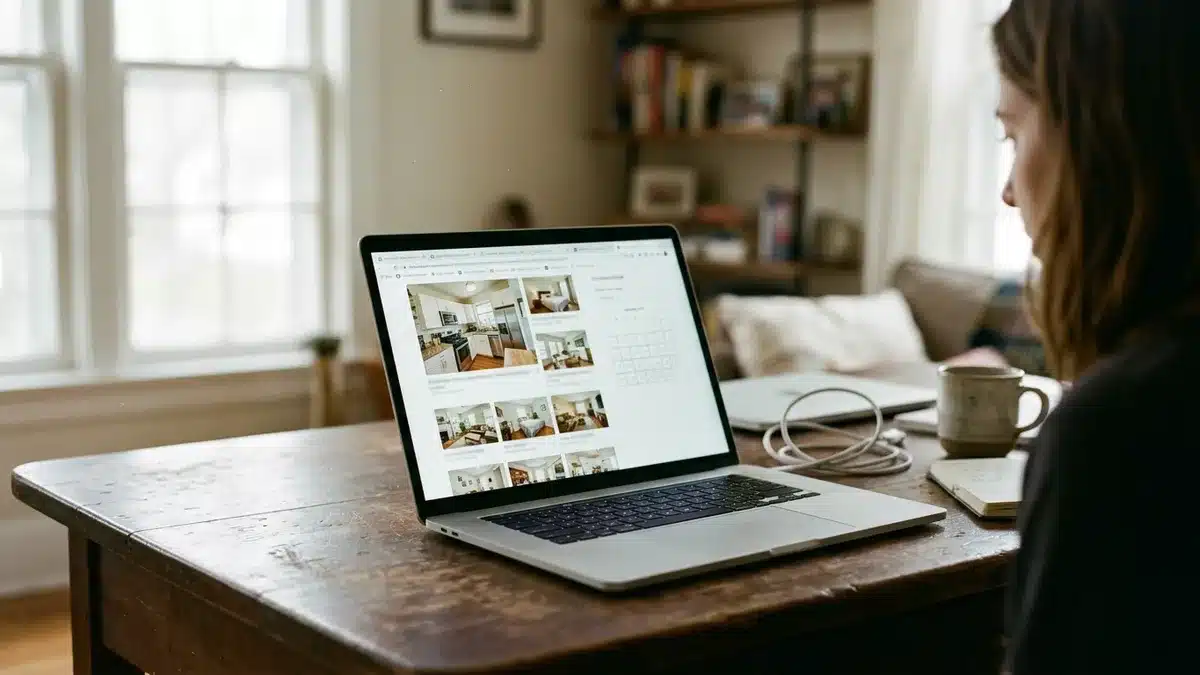
The gap shows up immediately after purchase. You install the theme, add your property photos, write your descriptions, and then hit a wall: how does the calendar know your Saturday is booked? How does a guest actually pay you? Most templates require a separate booking engine plugin, and getting that plugin to talk accurately to your PMS is where DIY builds usually break down.
This is exactly the mechanic Boostly Connect was built to solve. Instead of a static theme you have to wire up yourself, Boostly Connect connects directly to your existing PMS, whether that’s Hospitable, Guesty, Lodgify, Hostfully, or one of 8 supported systems, and pushes live availability and real-time pricing onto your WordPress site automatically. There’s no plugin stack to maintain and no sync errors to chase down manually.
Which Platform Should You Build Your Template On?
WordPress, Squarespace, Wix, and Webflow are the four dominant platforms hosts use for short term rental websites, each with different tradeoffs around flexibility, cost, and technical maintenance. WordPress dominates among property managers because of its plugin ecosystem and PMS integration options.
WordPress: Best for PMS Integration Depth
WordPress themes built for short term rentals typically start in the $69 to $89 per year range. WordPress wins on flexibility. If you’re running multiple properties or need deep PMS syncing, WordPress supports the widest range of booking engine integrations of any platform we’ve evaluated. That’s also why Boostly Connect builds its direct booking sites on WordPress: it’s the only platform with enough plugin and API flexibility to support real-time sync across 8 different PMS platforms without breaking on every update.
Squarespace: Best for Design Simplicity, Weakest for Booking Depth
Squarespace templates for small hotels and vacation rentals run around $16 a month, and they’re genuinely fast to launch. But Squarespace’s native booking tools are shallow. Most hosts end up bolting on a third-party booking widget, which reintroduces the exact sync problem you were trying to avoid.
Webflow and Wix: Good for Custom Design, Limited for Multi-Property Scale
Webflow templates for resort and hotel branding run as one-time purchases, sometimes under $80, and give you granular design control. Wix is similar. Neither platform, however, has strong native support for multi-property calendar management, which matters if you’re a boutique property manager running 5 to 20 units rather than a single listing.
If you’re a single-property, tech-averse host who genuinely never wants to touch a line of code, a no-code guided setup matters more than platform flexibility. That’s a fair reason to pick a simpler builder for a very small operation. But once you’re managing more than one or two units, platform limitations start costing you actual booking revenue.
How Much Does a Short Term Rental Website Template Cost?
Short term rental website templates range from free (for single-use Webflow templates) to roughly $89 a year for premium WordPress themes, but the sticker price rarely reflects your total cost once you add booking functionality. The real cost comparison isn’t template A versus template B, it’s DIY template plus manual PMS wiring versus a connected system that comes pre-integrated.
| Option | Typical Starting Price | PMS Integration Included | Guest CRM Included |
|---|---|---|---|
| Squarespace hosted template | ~$16/month | No, requires third-party plugin | No |
| WordPress premium theme | ~$69 to $89/year | No, requires separate booking engine | No |
| Webflow one-time template | ~$79 one-time | No, requires custom integration | No |
| Boostly Connect direct booking website | A free plan for up to 3 listings on the Discover map | Yes, 8 PMS platforms supported | Yes, built-in CRM with AI agents |
Notice what’s missing from every standalone template row: a guest CRM. When a template doesn’t capture guest data automatically, you’re left manually exporting spreadsheets after every stay, if you remember to do it at all. Boostly Connect captures every direct booker into your own CRM the moment they book, so contact information stays with your business instead of disappearing into a platform you don’t own.
How Does Template Choice Affect Your SEO Rankings?
Template choice directly affects short term rental SEO through three technical factors: page speed, image optimization, and schema markup for property listings. A beautiful template with unoptimized images and no structured data will rank behind a plainer site that’s technically sound.
Most template marketplaces don’t mention this, but it’s the single biggest content gap we see in template comparison articles. Specifically, Google’s crawlers reward pages that load fast on mobile, since more than half of vacation rental website traffic comes from mobile phones, according to CraftedStays. A template loaded with unoptimized hero images and auto-play video backgrounds will tank your mobile page speed score before a guest ever sees your calendar.
Schema markup is the second overlooked factor. Property listing pages that include structured data for pricing, availability, and reviews are more likely to surface in Google’s rich results and AI Overviews. Generic templates rarely ship with this pre-built. If you’ve ever wondered why your vacation rental website isn’t ranking despite looking professional, missing schema is often the culprit, not your content.
This is why Boostly Connect ships every direct booking website SEO-ready from day one, with structured property pages built in rather than requiring a separate SEO contractor to retrofit schema after launch. If you’re evaluating templates purely on visual design, you’re skipping the layer that determines whether anyone finds your site at all. For a deeper walkthrough of on-page fixes, our guide on vacation rental SEO tips that actually rank in 2026 covers the technical checklist in full.
How Do You Choose a Template for Multiple Properties?
A multi-property short term rental website needs a filterable property directory, individual listing pages per unit, and centralized calendar management, none of which a single-property template handles well out of the box. This is one of the most commonly skipped topics in template guides, and it’s exactly where boutique property managers get stuck.
A single-property template only needs one booking widget and one calendar. The moment you add a second property, you need navigation logic: filters by bedroom count, location, or amenities, plus a way to prevent guests from confusing one listing’s availability with another’s. Generic templates handle this poorly because they were designed around a single listing, then awkwardly duplicated.
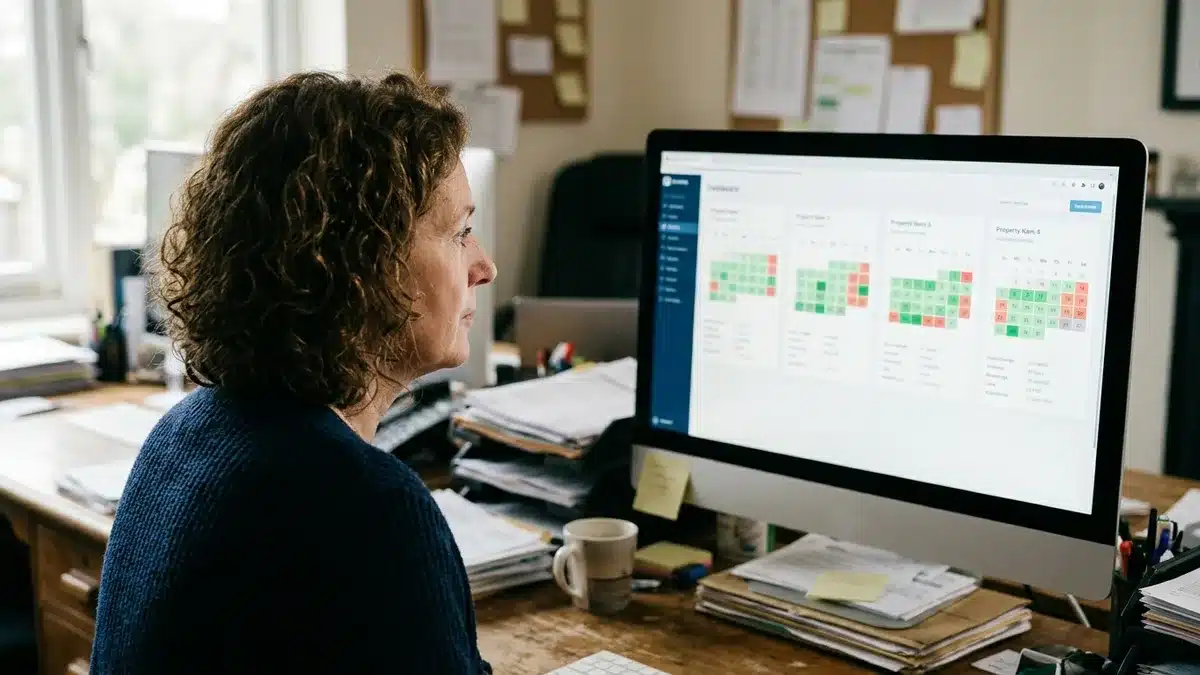
We consistently see boutique managers running 5 to 20 units cobble together separate plugin instances per property, which multiplies the sync-error problem instead of solving it. Boostly Connect’s multi-property support keeps every listing’s pricing, availability, and guest data unified across one connected system, so scaling from one property to twenty doesn’t mean managing twenty separate tech stacks. If you’re actively growing your portfolio, our piece on must-have tools for short-term rental managers in 2026 covers the broader stack decisions that come with scale.
Is Your Template Accessible to All Guests?
Accessibility in a short term rental website template means the site works with screen readers, has sufficient color contrast, and supports full keyboard navigation, factors that most template marketplaces never mention in their marketing copy. This isn’t just a compliance checkbox; it directly affects how many guests can actually complete a booking on your site.
Many premium templates prioritize visual flair, heavy parallax scrolling, low-contrast text over background images, custom cursor effects, over usability. Those choices look impressive in a demo video and actively block guests using assistive technology from booking your property. A booking calendar that only works with a mouse, for example, is inaccessible to anyone navigating by keyboard.
Before you commit to any template in 2026, test it with a screen reader and check color contrast on your booking buttons specifically, not just your homepage hero text. Templates built on well-maintained platforms like WordPress generally have stronger accessibility plugin support than niche page builders, which is another reason we build on WordPress rather than a proprietary closed system.
What Happens to Your Template After Launch?
Template maintenance for a short term rental website includes plugin updates, booking engine compatibility checks, and payment processor updates, ongoing work that most hosts underestimate when they first purchase a template. A theme you bought once doesn’t stay compatible forever.
WordPress themes require regular plugin updates to stay secure and functional. If your booking engine plugin falls out of sync with a WordPress core update, or your payment processor changes its API, your booking form can silently break, sometimes for weeks before you notice a drop in inquiries. This is the maintenance burden nobody mentions when they’re comparing template prices.
We built Boostly Connect specifically to eliminate this maintenance loop. Because the PMS, website, and CRM are connected as one system rather than stitched-together plugins, updates happen on our end instead of requiring you to manually patch your booking engine every time a platform changes something. If you’re tired of discovering a broken booking form after the fact, that’s precisely the manual work our guide on reducing manual work in your vacation rental business addresses in more depth.
What ROI Can You Actually Expect From a Direct Booking Template?
The realistic ROI from a connected short term rental website template comes primarily from reduced OTA commission exposure and higher repeat guest capture, not from the template design itself. A pretty layout doesn’t generate revenue; a working booking funnel does.
Consider the guest retention math specifically. Across a broad dataset of short-term rental operators, repeat guests account for a median of just 5 percent of total booking value, and roughly three-quarters of that repeat revenue still routes through OTAs paying 12 to 20 percent commission, according to GetHostAI’s 2026 analysis. That means even loyal guests are often costing you commission a second time, simply because your first template never captured their contact details.
We’ve seen this play out directly with hosts in our own network. One bed and breakfast operator using Boostly Connect’s approach reached 90 percent direct bookings and 60 percent repeat guests, a dramatic shift from a generic website that produced inconsistent results. In a separate case, a host who launched a professional Boostly website grew from zero direct bookings to 55 percent direct bookings within a broader growth period, eventually managing over 30 properties after landlords noticed the site and asked him to manage theirs too.
Those results didn’t come from a nicer color scheme. They came from a site that actually captured guest data and converted repeat visitors instead of sending them back to an OTA search page. If you want to understand the retention mechanics behind numbers like that, our article on how to re-engage past vacation rental guests in 2026 breaks down the follow-up sequences that make the difference.
What Should You Prioritize When Choosing a Template?
Prioritize PMS integration and mobile booking speed over visual design when choosing a short term rental website template, since design can be customized later but broken booking infrastructure costs you reservations immediately. Here’s the order we recommend evaluating any option in 2026:
- Confirm PMS compatibility first. Ask specifically whether the template or platform connects to your existing system (Hospitable, Guesty, Lodgify, Hostfully, or OwnerRez) before evaluating anything else.
- Test mobile booking speed. Load the demo site on your phone and time how long it takes to check a date and see a price. If it’s slow or clunky, guests will abandon before booking.
- Check for built-in schema markup. Ask the provider directly whether property pages include structured data for pricing and availability, since this affects your Google visibility.
- Verify guest data capture. Does the booking flow automatically save guest contact info to a CRM, or does it just send you an email confirmation with no follow-up system?
- Ask about ongoing maintenance. Find out who’s responsible for plugin updates, payment processor changes, and booking engine compatibility after launch.
- Review multi-property scalability if you plan to grow beyond one listing, since retrofitting a single-property template later is far more expensive than starting with the right structure.
The most common mistake we see is hosts choosing a template based purely on photo gallery style and homepage hero design, then discovering three months later that the booking engine never actually synced correctly with their calendar. Design should be the last filter you apply, not the first.
For hosts specifically comparing full builder platforms rather than individual templates, our guide on the short term rental website builder options to look for in 2026 goes deeper on evaluating the underlying technology layer.
Frequently Asked Questions
Do I need coding experience to use a short term rental website template?
No. Most modern short term rental website templates, including WordPress themes and hosted builders like Squarespace, are designed for no-code customization. Boostly Connect’s direct booking websites specifically require no developer and no coding knowledge, with PMS syncing typically completed in under 20 minutes.
Can I keep my Airbnb listing while using a direct booking website template?
Yes, and most hosts should. Running a direct booking website alongside Airbnb and Vrbo doesn’t hurt your OTA search ranking. The two channels work independently, and a direct booking site simply gives returning guests a reason to book you directly instead of searching Airbnb again.
Which PMS platforms integrate with short term rental website templates?
Integration availability varies significantly by template provider. Standalone WordPress and Squarespace themes generally require a separate booking engine plugin to connect with any PMS. Boostly Connect supports direct integration with 8 PMS platforms, including Hospitable, Guesty, Lodgify, and Hostfully, without requiring a third-party plugin.
How much does a professional short term rental website template cost?
Standalone templates typically range from around $16 a month for hosted Squarespace layouts to roughly $69 to $89 a year for premium WordPress themes, plus the cost of any separate booking engine plugin. Boostly Connect’s direct booking website starts at $29/month on the Growth plan, since the value is built around ongoing direct booking revenue rather than a one-time design fee.
What’s the biggest mistake hosts make when choosing a template?
The most common mistake is prioritizing visual design over booking functionality. A template can look polished and still fail to sync accurately with your PMS, leaving guests unable to see real availability or accurate pricing, which directly costs bookings regardless of how attractive the homepage looks.
Will a short term rental website template help my Google ranking?
It can, but only if the template includes technical SEO fundamentals: fast mobile load speed, optimized images, and schema markup for property listings and pricing. Many premium templates skip these fundamentals entirely, which is why some visually impressive sites still fail to rank.
How long does it take to set up a connected short term rental website?
Setup time depends heavily on whether you’re building a standalone template from scratch or connecting an existing PMS to a pre-built system. Boostly Connect specifically syncs a host’s existing PMS to their WordPress website in under 20 minutes, without requiring manual data entry for each listing.
Conclusion: Choose Infrastructure, Not Just a Layout
A short term rental website template only earns its cost when it actually converts bookings, and that comes down to live PMS sync, mobile speed, and guest data capture, not homepage design. The template market has plenty of attractive options priced between roughly $16 a month and $89 a year, but none of them solve the integration problem that determines whether guests can actually book from your site.
The math on repeat guests makes the stakes clear: with roughly three-quarters of repeat guest revenue still routing through OTA commissions, a template that fails to capture guest data is quietly costing you money every single month, as noted above. Fixing that doesn’t require a developer or months of custom build time. It requires connecting the PMS you already use to a website built to convert, which is exactly what Boostly Connect does in under 20 minutes with a free plan for up to 3 listings on the Discover map.
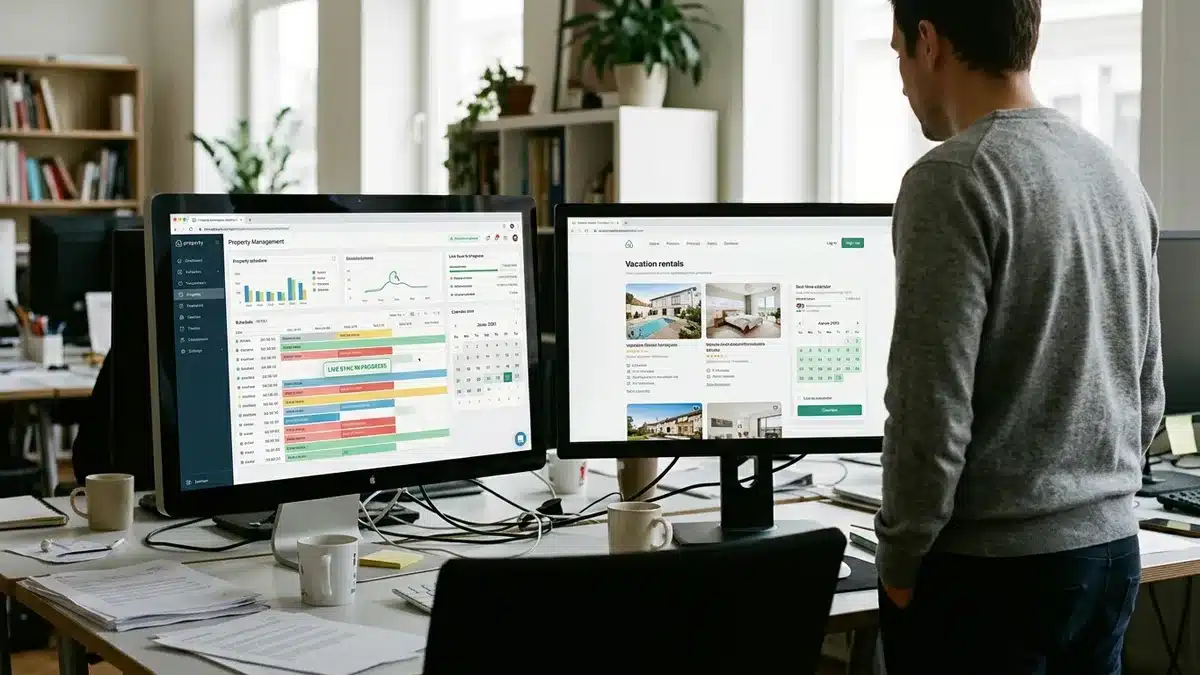
If you’re ready to see what a direct booking template connected to your own PMS actually looks like, rather than a static theme you’re left wiring together yourself, book a demo with Boostly Connect and see your listings synced and live in under 20 minutes.